Im confused about pitch, roll, yaw, twist, surge, etc. All i know is the up and down thingie, but the other ones have me confused.
Roll:
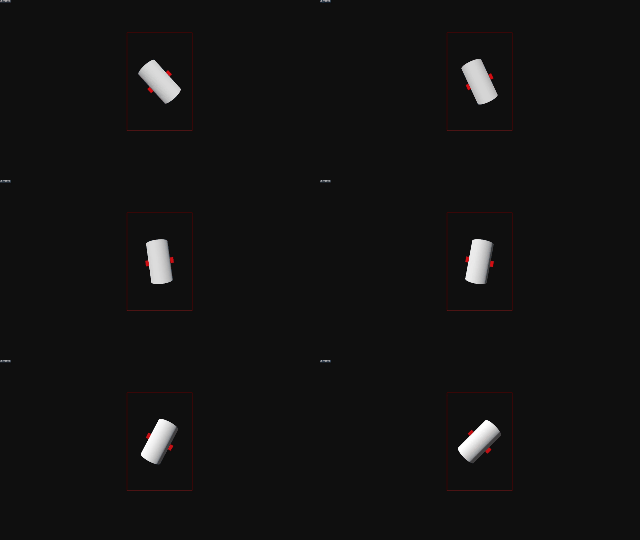
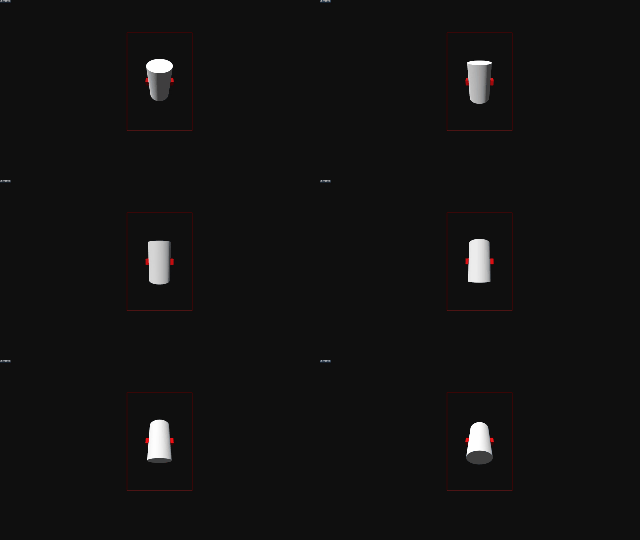
Pitch:
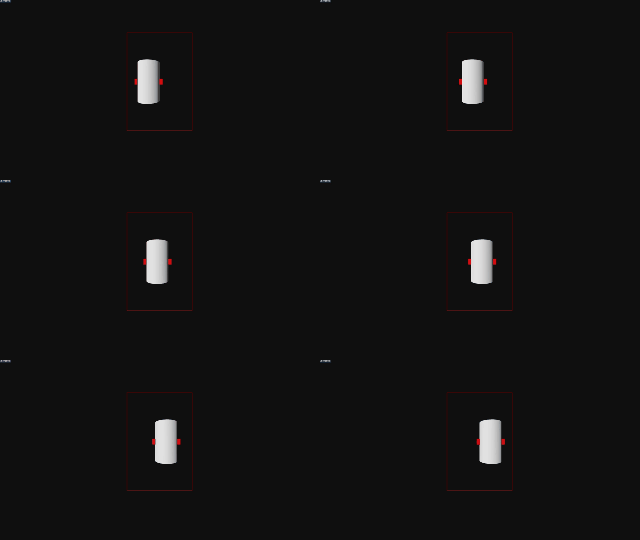
Sway:
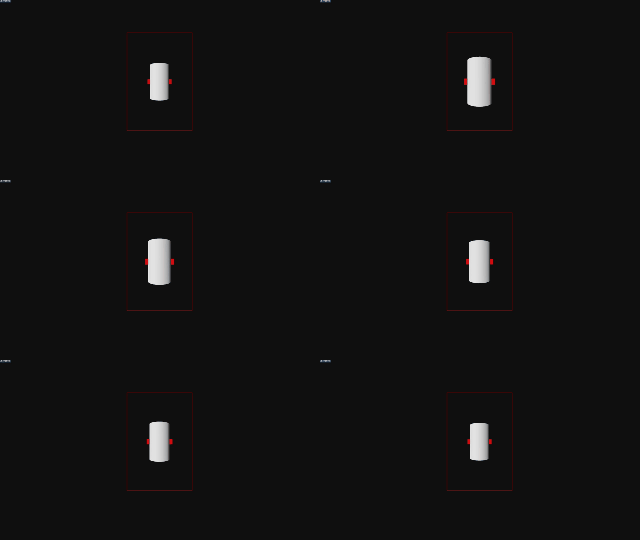
Surge:
Twist:
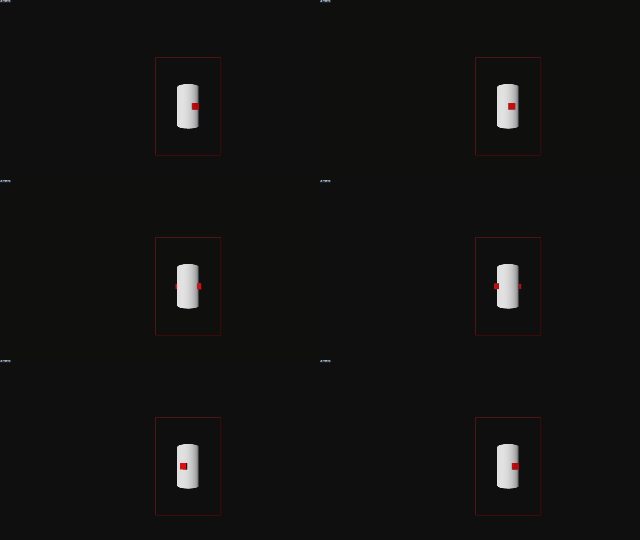

That makes so much sense, this one really works for me to understand it properly. I thought the sway and pitch pair was the same, but one is rotation on itself and the other one is fully moving across space. Thank you very much!
Sure, I’ll start with the common devices and their functionality
OSR2 - 2 degrees of movement: Stroke and Roll
OSR2+ - 3 Degrees of movement: Stroke, Roll, Pitch
SR6 - 5 degrees of movement: Stroke, Roll, Pitch, Surge, Sway
Twist, T-Valve, Lube pump are also common add ons and can be added to any device
Here’s a reference picture to help visualize the 3D axes
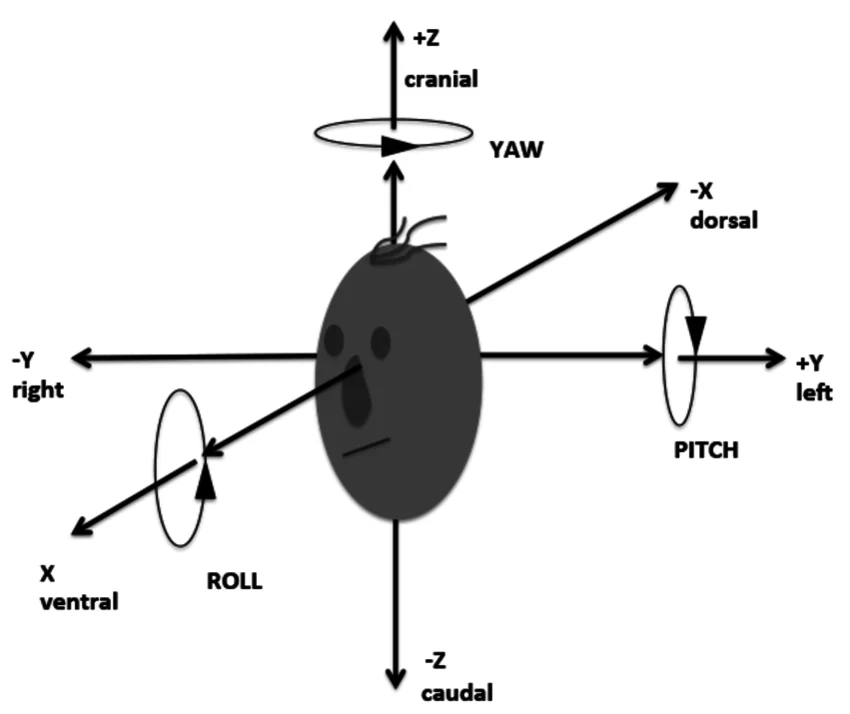
Each axis has 2 forms of movement assigned and available to funscript. One rotation and One Translation. Translation is movement from point A to point B on the axis, Rotation is using the axis as an anchor and rotating the 3D object without letting the position on that axis change.
X Axis: Sway, Roll
Y Axis: Stroke, Pitch
Z Axis: Surge, Twist
There are also bolt on mods like T-Valve, pump, vibe, squeeze that operate on a sliding scale of fully active-inactive or fully open-closed.
Stroke
Translation on the Y Axis (Up/Down movement)
Reference
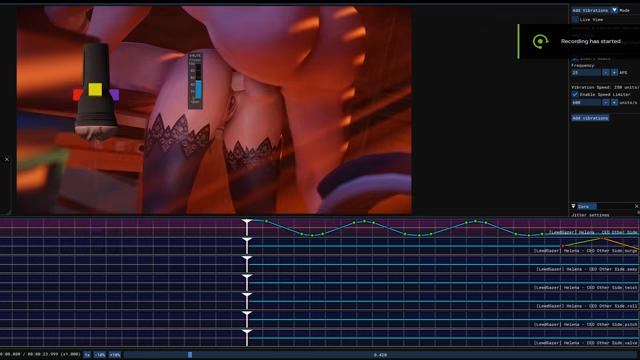
Surge
Translation on the Z Axis (Toward/Away movement)
Reference
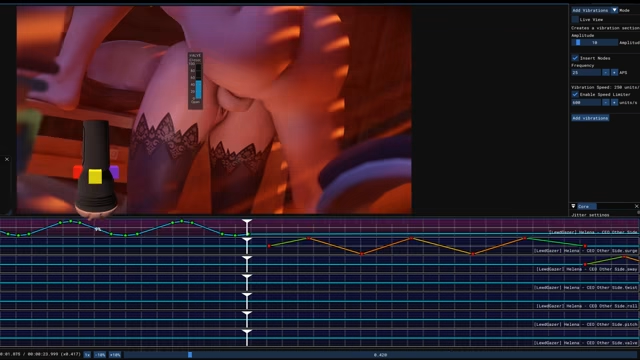
Sway
Translation on the X Axis (Left/Right movement)
Reference
Twist
Rotation on the Z Axis (Think screwing in a fastener)
Reference
Roll
Rotation on the X Axis (Left/Right Rotation)
Reference
Pitch
Rotation on the Y Axis (Toward/Away Rotation)
Reference
Valve/SuckManual
Open / Close the T-Valve (There’s variation between devices but 0=Open 100=Closed is my go to)
.suck.funscript is a little different see This Post if you’re interested in valve
Reference
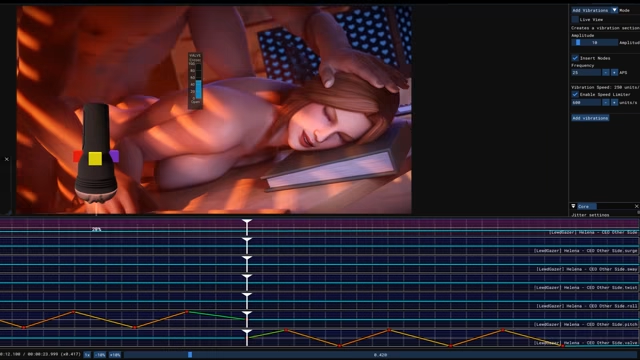
Funscript Files
script naming conventions are (for video.mp4):
video.{axis}.funscript
with the only exception being video.stroke.funscript, for which stroke can either be omitted or not.
video.stroke.funscript = video.funscript
video.surge.funscript
video.sway.funscript
video.roll.funscript
video.pitch.funscript
video.twist.funscript
video.valve.funscript = video.suckManual.funscript (XTP needs suckManual, MFP uses valve)
video.suck.funscript
video.pump.funscript or video.lube.funscript on some setups
video.vib.funscript
These are all considered 1.0 funscript files.
You can also use a merged funscript 1.1 or 2.0 to serve a single funscript that combines all the different axis funscript files into a json channels array. Currently these are usually named video.funscript so it might get confused with the stroke 1.0 file if you aren’t careful. This is why there’s a setting on eroscripts to add .max.funscript addition to merged 1.1/2.0 downloads.
This site provides an online simulator for multi-axis devices. You can literally just stop at the first page and watch an SR6. https://ayvasoftware.io/