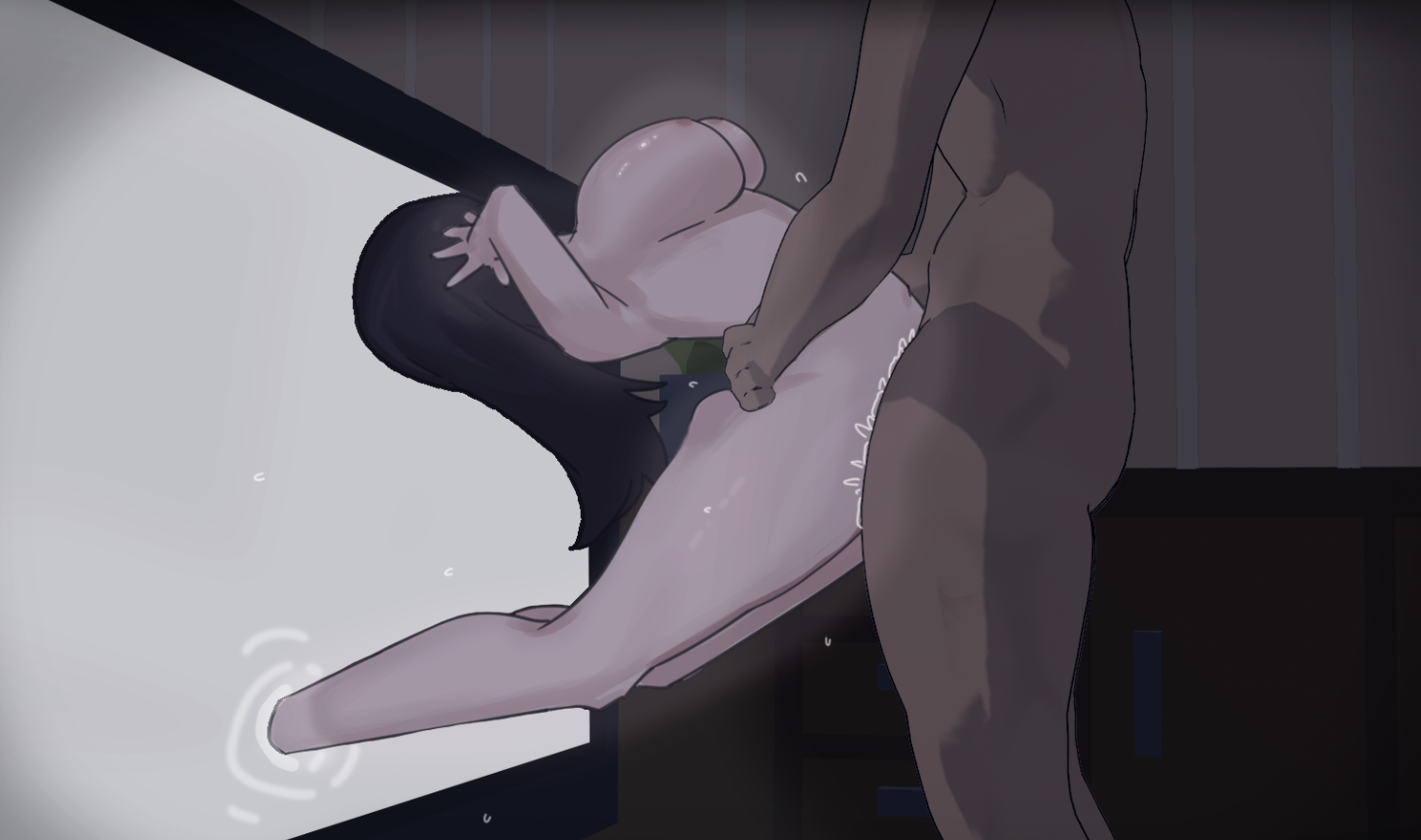
Details:
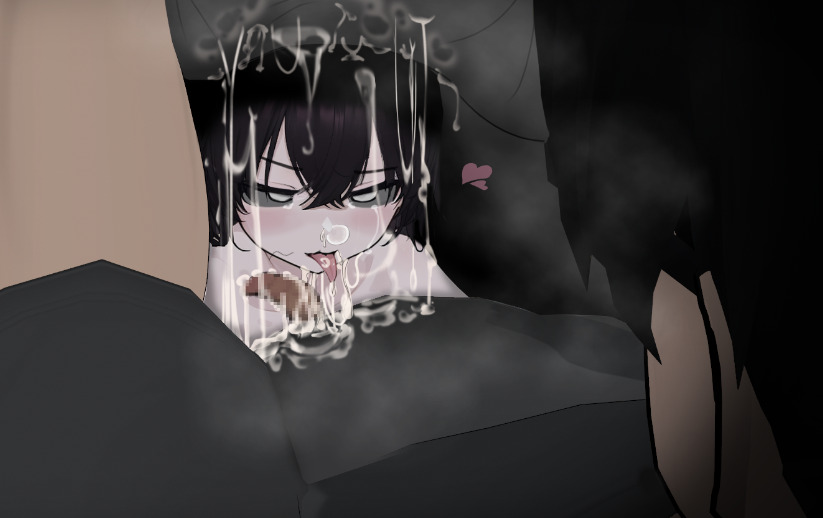
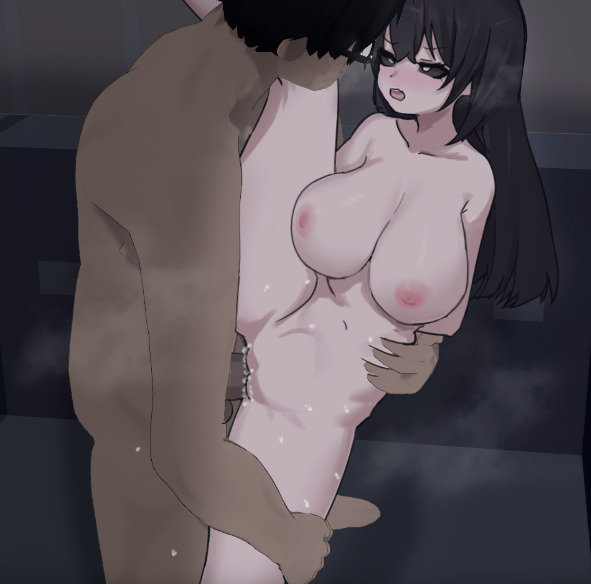
I personally spent a long time creating suitable Funscripts for each Gallery in this game—64 in total—and used the Edi software to call the Funscripts in the game.
Image:


prompt:
The Funscripts for the Gallery need to be purchased.
Only with more funding can creators produce better works.
Let me briefly share the steps I took to create this:
Step 1: Decrypt the game and re‑import it back into RPGMaker.
Step 2: Analyze the game’s resources (I discovered that all Galleries in this game are implemented by playing images frame by frame through a plugin).
Step 3: Use the software Everything to locate and record the event positions in the game where the Galleries are triggered.
Step 4: Record each Gallery (the files contain scattered images, so they need to be re‑recorded into video).
Step 5: Sort and organize the recorded Galleries, and add text to the bottom‑left corner of each video (to facilitate chapter creation in OpenFunscript).
Step 6: Create Funscripts based on the organized videos.
Step 7: Review everything again, and add generic Funscripts to the beginning and end of each Gallery.
Step 8: Test before release.
These are just the general steps I followed; I’ve probably forgotten quite a few details.
User Guide:
Step 1: Please download the game via the link I have provided.
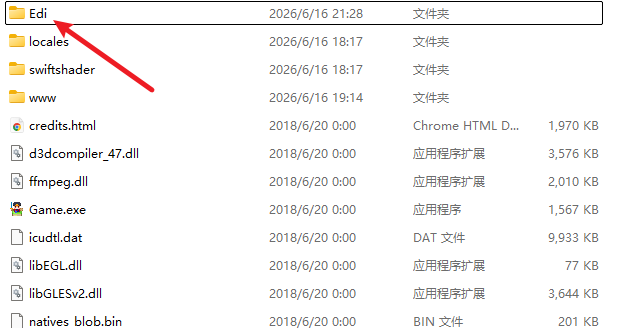
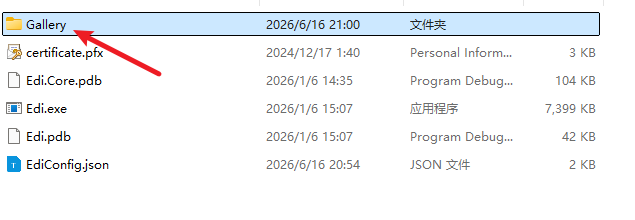
Step 2: Place the Gallery folder from the purchased ayuureiGallery archive into the Edi folder in the game’s root directory.
Step 3: Open Edi.
Step 4: Open Game.
Links:
Game Download
Buy Funscript
820faka(wechat and alipay)
My Patreon(Affordable)
No need to download Funscript through cloud storage software