The closest thing is the pause detection, that comes pretty close but automatic detection is pretty much impossible. Don’t know if you have seen that, it uses pauses in the funscript to detect rounds automatically
So what can already be done, if people cut the videos they can just share the template files. Those could then in theory be uploaded to a database (github repository) so people won’t need to cut them anymore. But doing that fully automatically else is too error prone
Yeah i get what you mean, but always happy to make that process faster. Do you mean like multiple videos that can be edited in one view, or something like auto selecting the next hero file like in a pipeline?
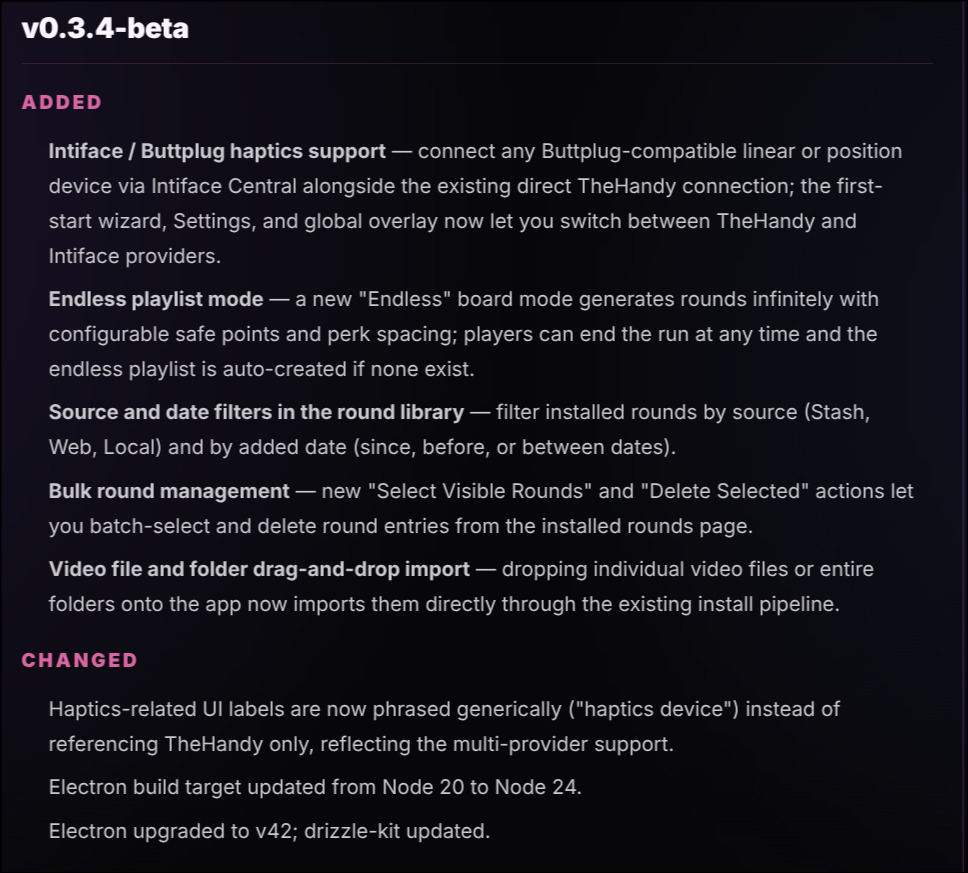
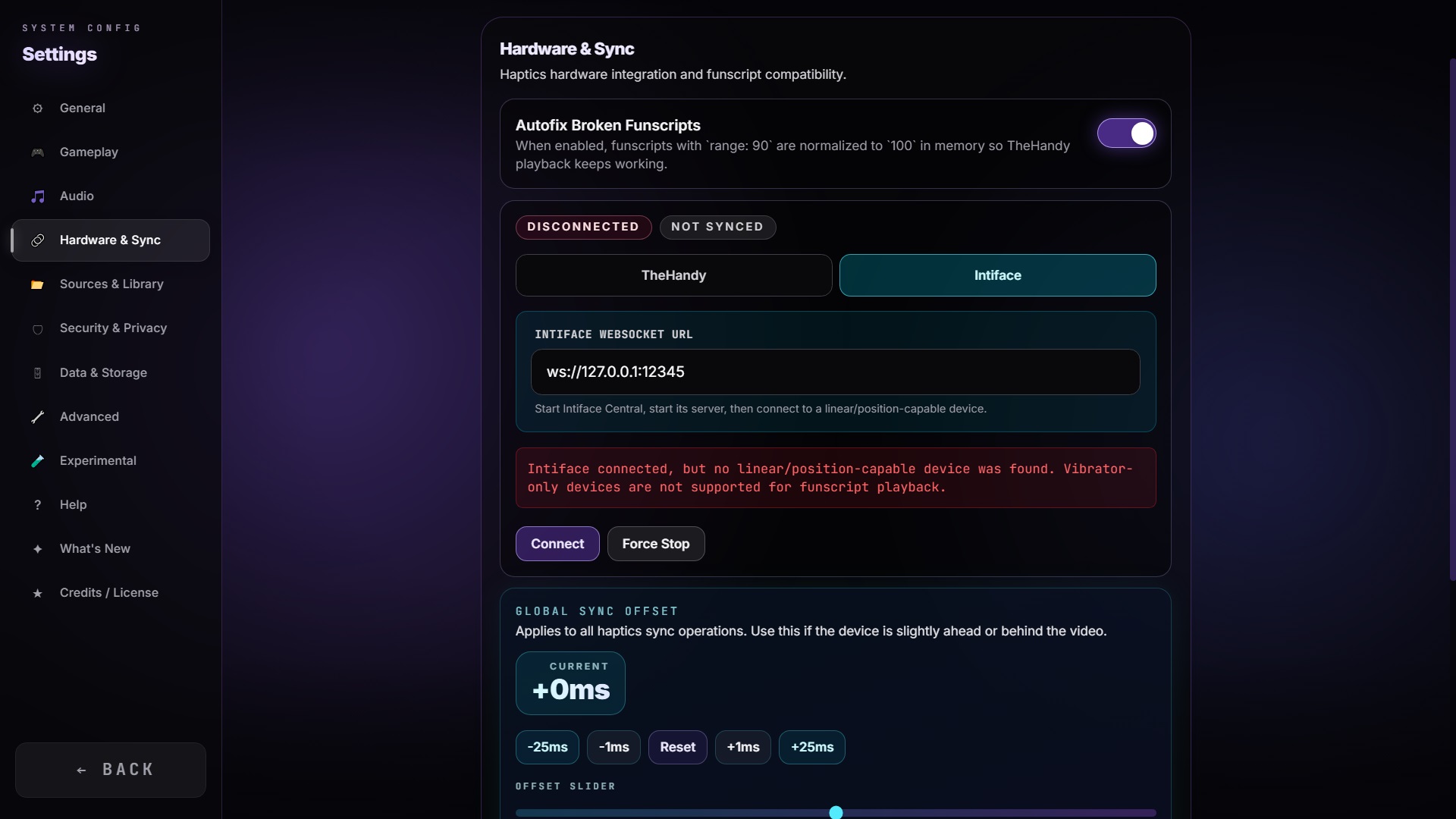
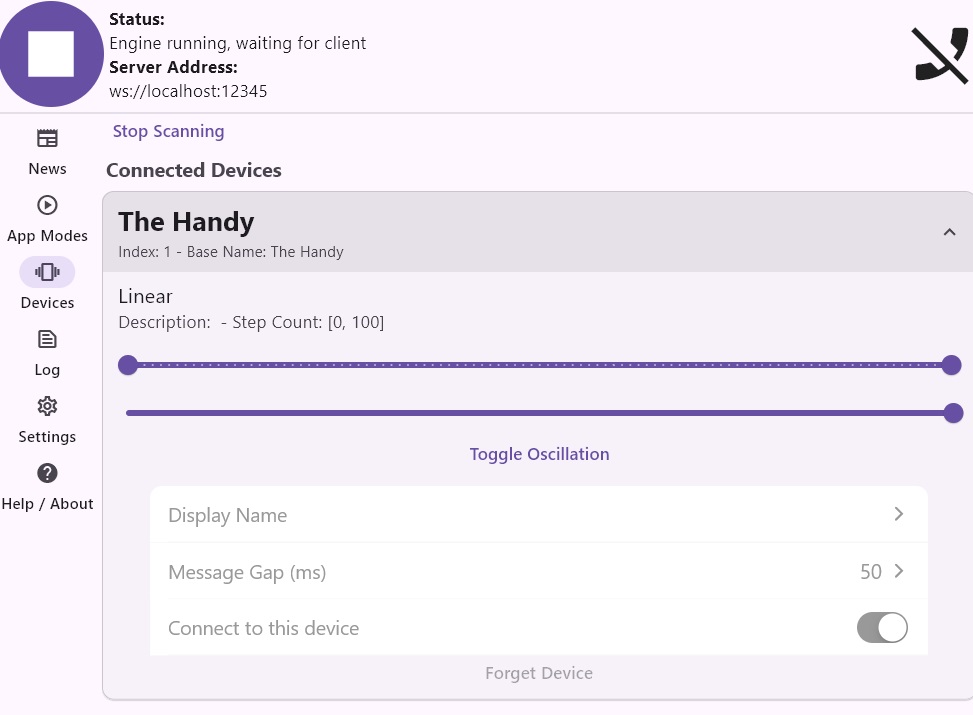
I could not really test intiface support and if thehandy functionality is broken, so you guys tell me if it works for you. It will not appear in the auto updater, but for the brave, they can already test it out.
I see an opportunity to use FPE in a way that you wouldn’t have to cut a single file at all. I’d make every CH/PMV video file into a .hero file that splits it into segments/rounds, and then the main game would mix and randomize those rounds together again, so every session is different. Maybe there could even be some kind of story or theme system to make random events feel more immersive.
In the future, it would be great if users shared ready-made .hero files together with the videos. (Of course, it could also be done more simply, where each video file is just one round, but pre-cutting everything manually is a massive amount of work and a waste of disk space)
Fix is on the way (again currently have no device where I am so can not really test it)
But in addition i made the converter flow faster. You can now fast change with alt left and right, you can also let the converter finetune the settings by setting the round count and hitting enter
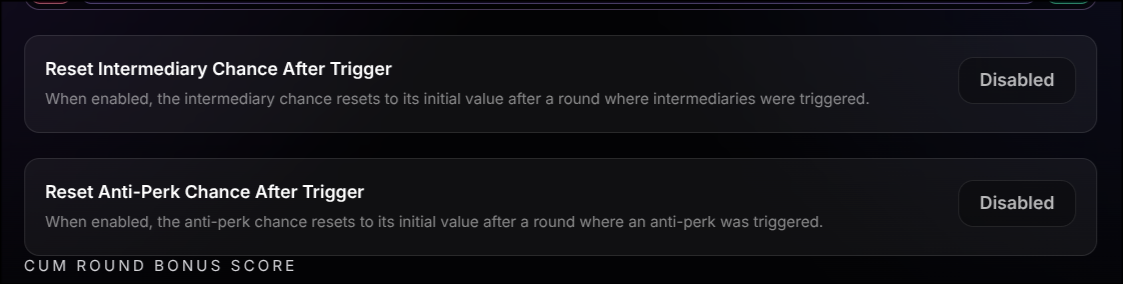
Hello I got an Idea to customize the Intermediary Rounds a bit. In the Settings section on Graph Map were you put in the Starting percent chance and the Percent added per round.
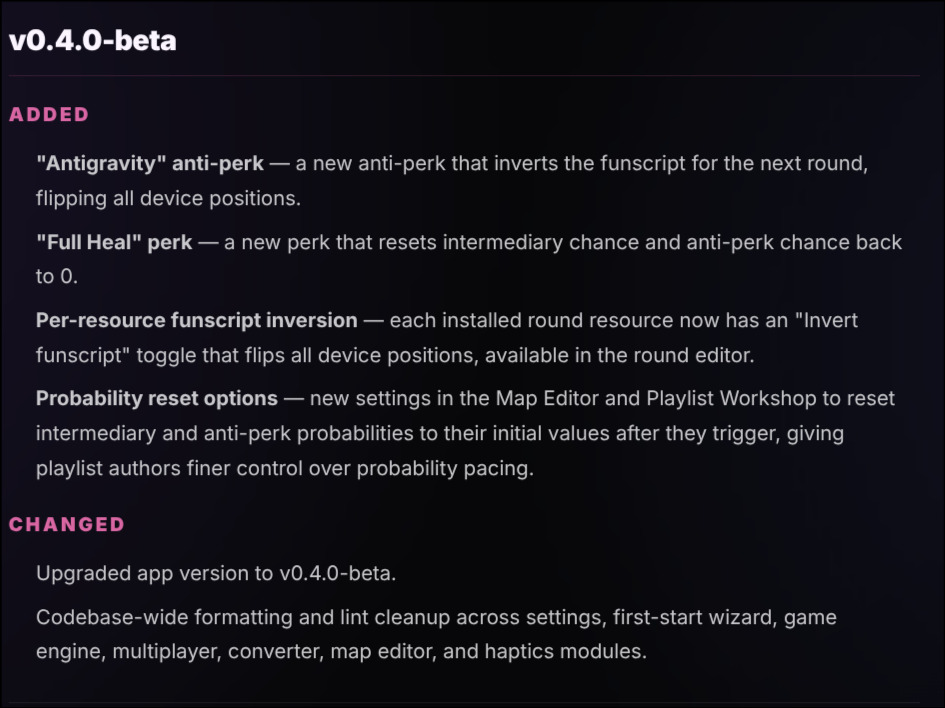
Maybe add an option “check box” that the Bar Resets to the Starting percent when a Intermediary Round was played.
I would say that wouldnt harm the Anti Perks “Panic Loop”, “Virus” or “Virus Max” much but will soften it a bit.
Also how about a way to invert a Funscript. Dont know how complicated that would be to have it as Option in a Round you converted.
Could you pm me the concrete video files you are using? I’ll investigate. I think it is likely a decoding issue that the application is somehow not using hardware decode when it should
It is not about the video files. Im experiencing Frame Rate issues everywhere in FPE.
Since the fist version of FPE v0.2.12 that i used.
I tried various NVIDIA settings too but to no avail.