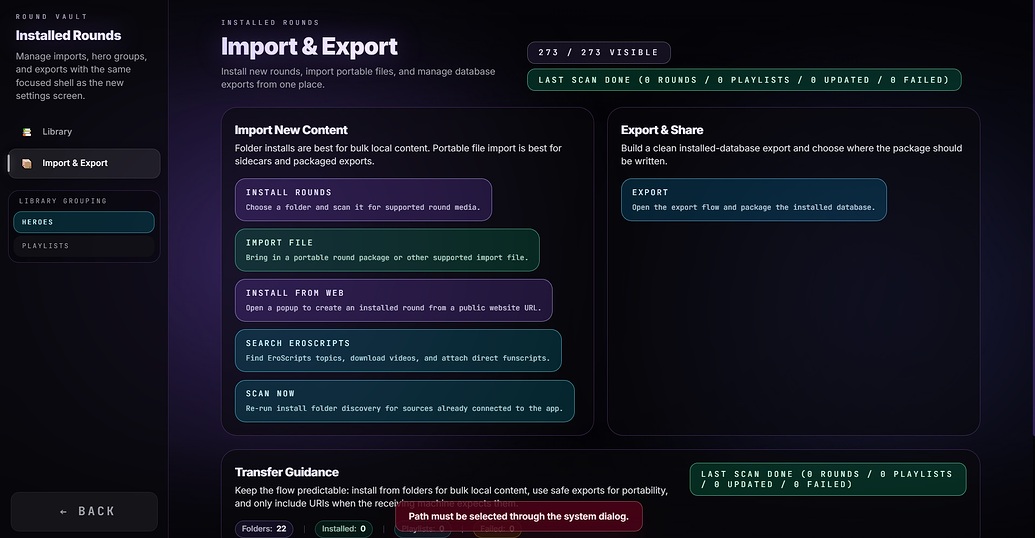
“Path must be selected through system dialog”
Same Error Message even after the Installer .exe version.
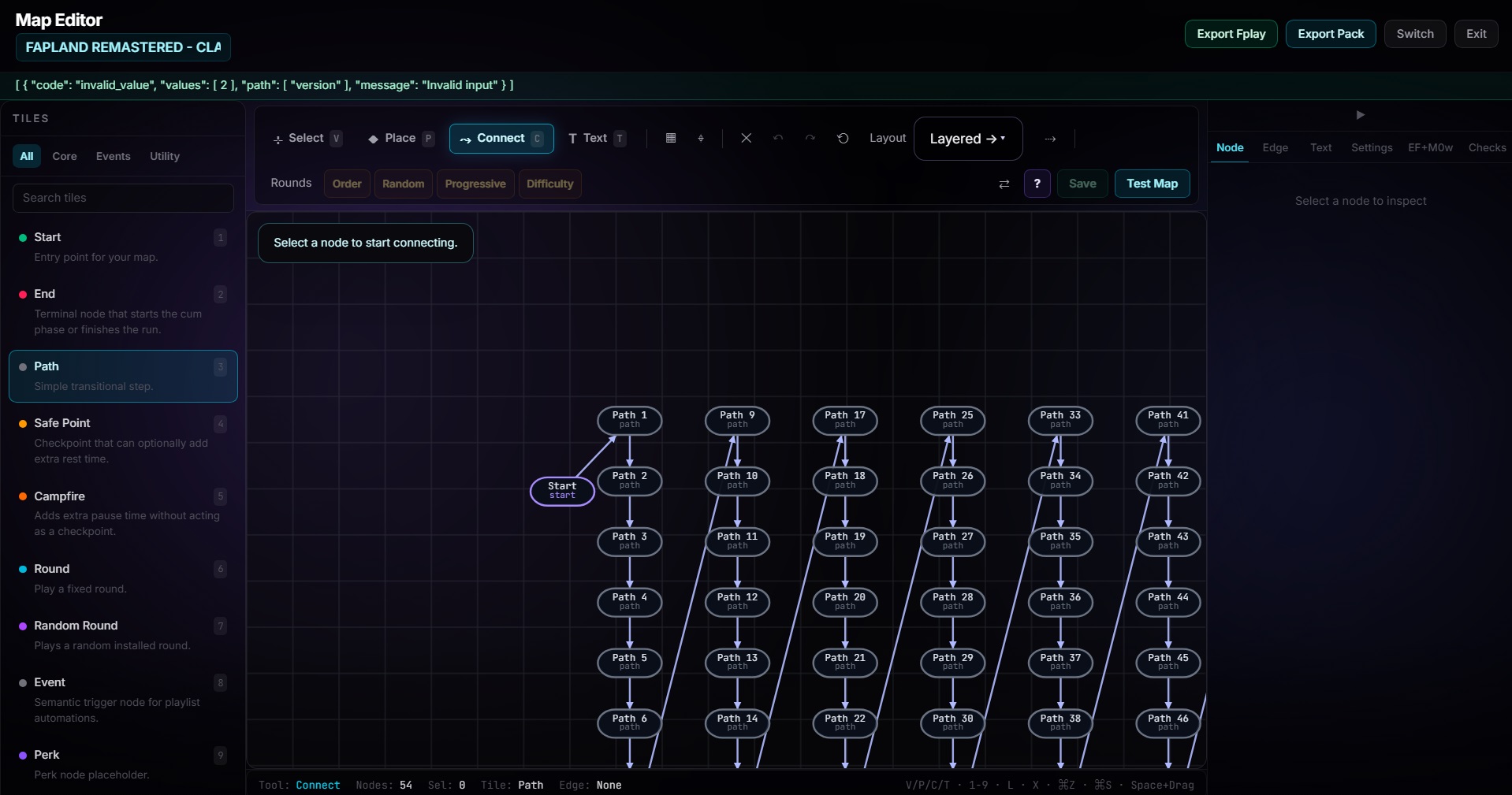
Also cannot export an playlist “Fapland Remastered Classic” getting this Error Message
“Path must be selected through system dialog”
Same Error Message even after the Installer .exe version.
Also cannot export an playlist “Fapland Remastered Classic” getting this Error Message
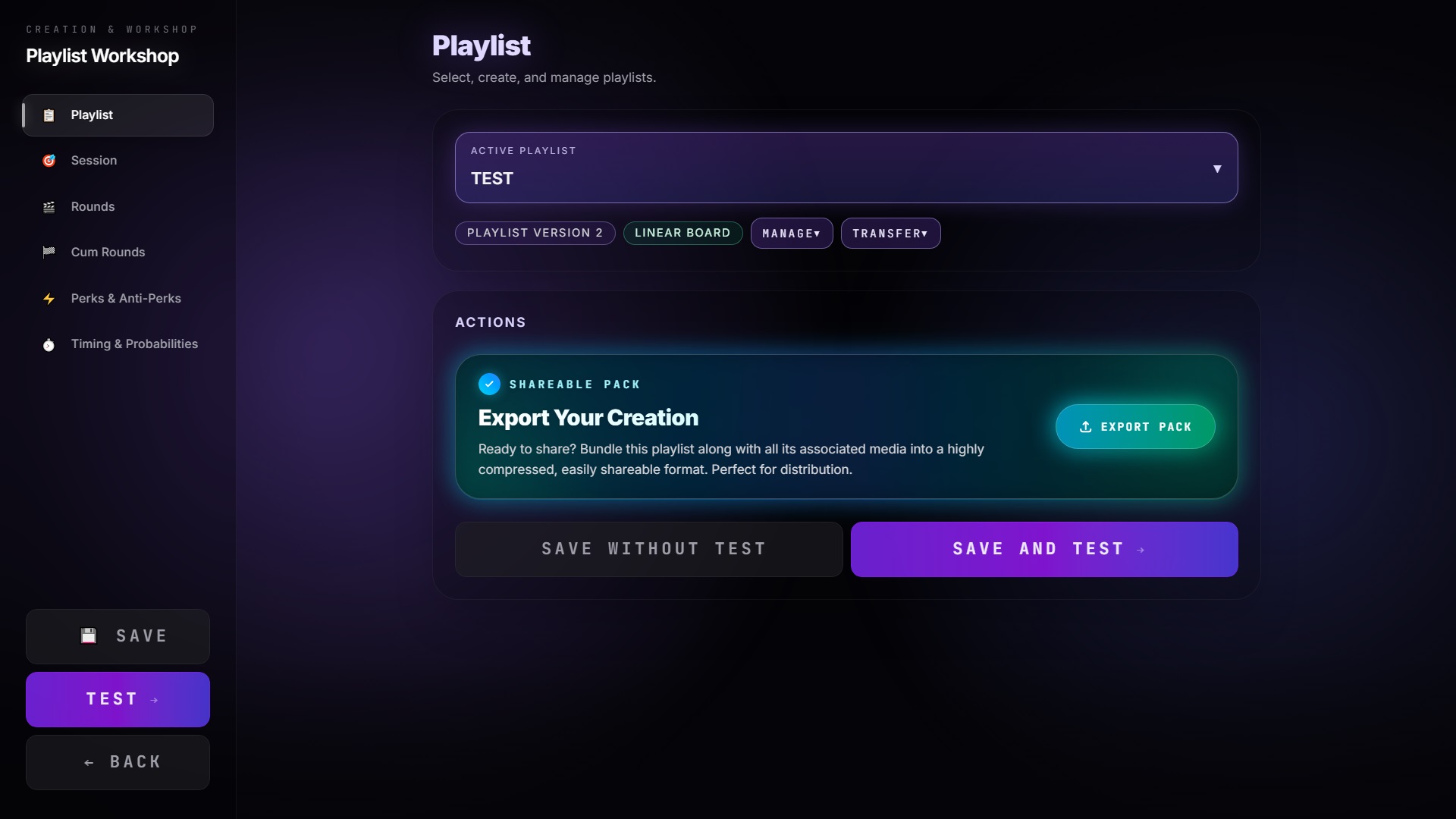
Also cannot export an newly made Playlist here “TEST”.
Hitting “TRANSFER” and then “Export .fplay”
No .fplay pack gets created.
I tried it with the Installer .exe version and the Portable version.
v0.3.1 released
please note that your issue likely stems from a technical difference. When installing, fplay files get registered by the system so you can double click them. When “installing” a portable version, on a technical level this process can not occur (because it is never installed, therefore not registered).
The error should be fixed in the latest version
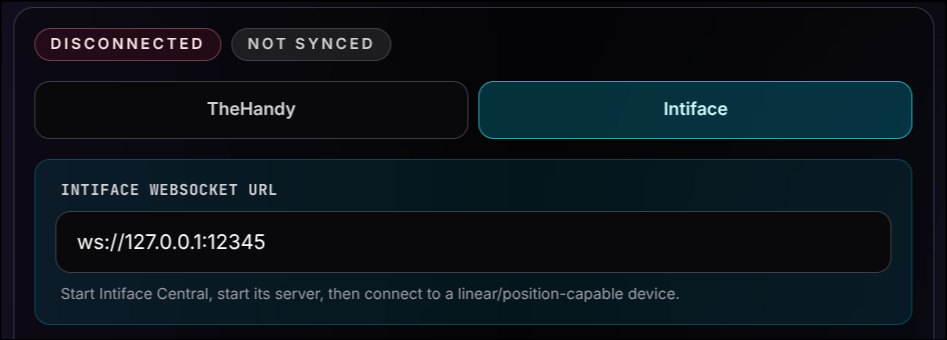
Definitely hoping and waiting for serial device implementation at some point by someone. This looks really cool and I’d love to try it, but I own an SR6 and not a Handy
Only for single axis. I don’t think Intiface supports multiple axes.
is there a feature that allows for the videos to play for a set amount of seconds for each round rather than the whole video?
Confirmed fixed!
@Dupli9d Is it possible to play the Rounds of the Fap Heroes that i added to Fapland Party Edition at random? Without adding them to the Round converter?
There’s an option to add a start time/end time to a Round (Edit Round), “or convert the video into Hero Round segments (Convert to Hero, which I’m currently trying to use since it seems more reasonable). Of course, it would also be a nice additional feature if it were possible to set a start time and end time for round nodes as well. The GUI/UX is somewhat confusing at times, it takes getting used to and experimenting to understand what certain things do and what they’re meant for.
Hm, you can create a new playlist in the playlist workshop, then put in every round (or every round you want to be randomized) and then click randomize order.
Another way would be to just loop a random round node inside an advanced map
Feature request: Add an easier way to remove unnecessary Rounds from the Library. I tested the Stash connection and accidentally imported the entire content into the library. Now I need a way to remove those while keeping the remaining Rounds intact.
[bug] When dragging and dropping a video file or a folder containing videos, they are currently not added to the Rounds list/library. Maybe I misunderstood the intended behavior, but the expected behavior would be: when you drag and drop a video, it gets imported as a Round and added to the library.
Your bug report is valid
When implementing it, i only thought of .fplay, .fpack and so on files.
I tried that. But the Fap Heroes that I add to a Playlist still get fully played from start to end.
I mean a randomized way to play your added Fap Heroes cuts like in Round Converter played at Random.
Do you mean the roundconverter does not work, or do you just want to randomize the rounds of one hero?
So for example era
Normally 1-6
Now 2,3,5,6,1,4
Is that what you mean?
If it is the latter, it can be achieved by creating a playlist, adding a singular round node, and then using the newly introduced playlist in round node feature to reorder them manually
Alternatively, add the rounds as individual round nodes in the normal playlist workshop (not the advanced one (map editor)) and then click randomize.
No. I mean a randomized way to play your added Fap Heroes but WITHOUT adding them to the Round Converter. So that only the Rounds get played at Random. And not the FULL videos.
Same as the Round Converter mechanic.
Ok so you mean like you have your rounds already added and converted, and then you want all of them to play at random? Like a new single player mode?
Or do you mean like an automatic round converter that does all cutting for you?
The first one should be possible, the latter one not
Yes. Kinda what i mean. Batch converting with the Round Converter would be great for a future update!