Okay I understand. I’ll note this down on the todo list.
I’ll let you know what happens to this
Thanks!
Okay I understand. I’ll note this down on the todo list.
I’ll let you know what happens to this
Thanks!
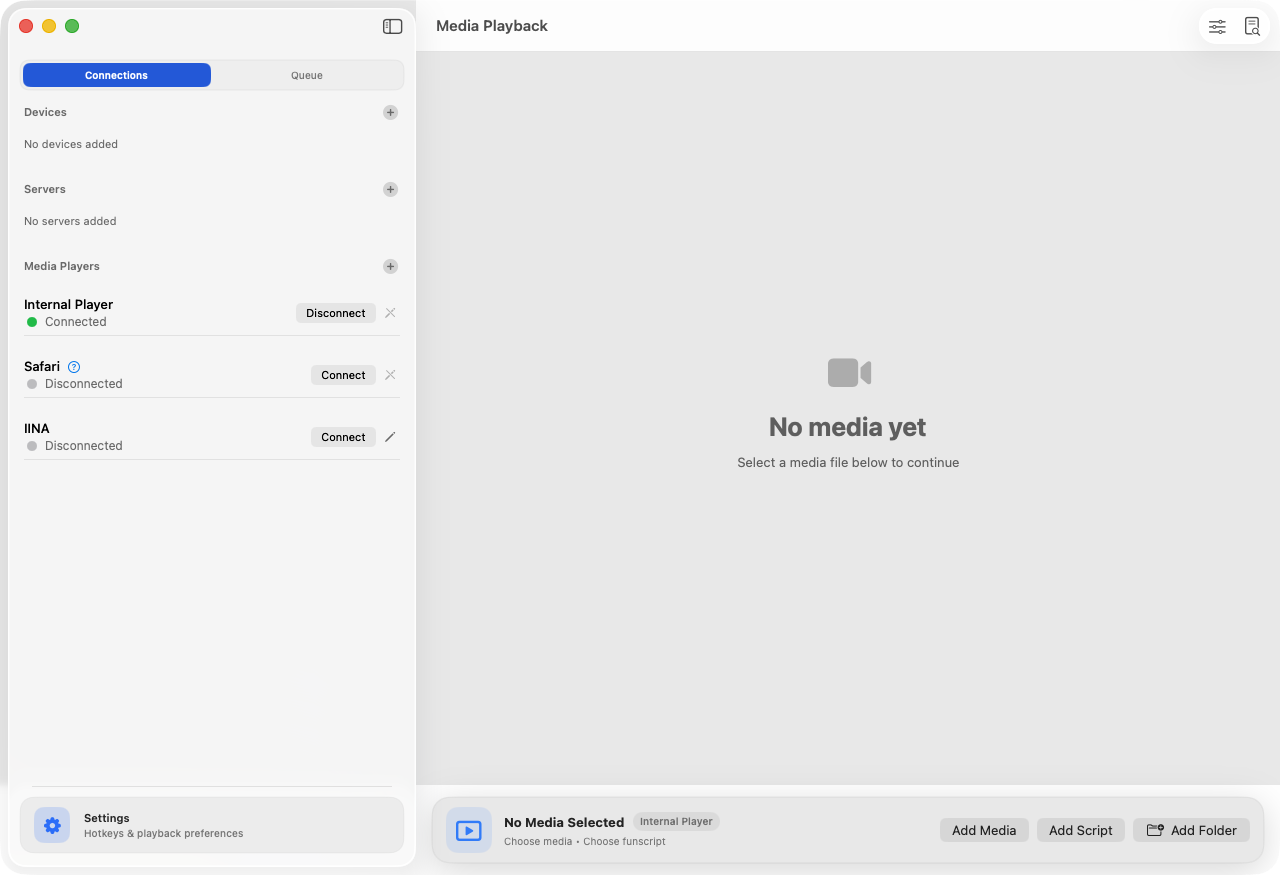
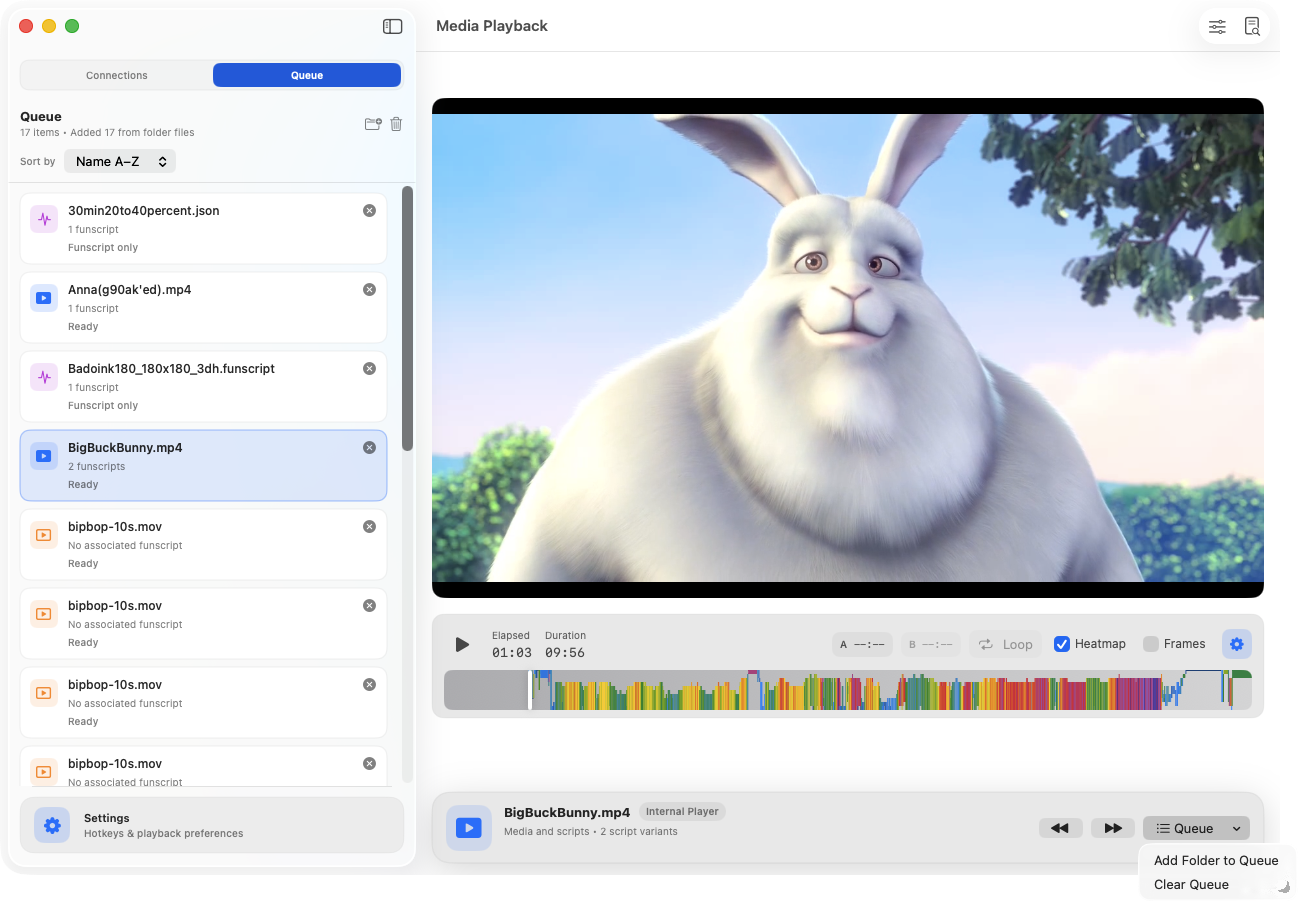
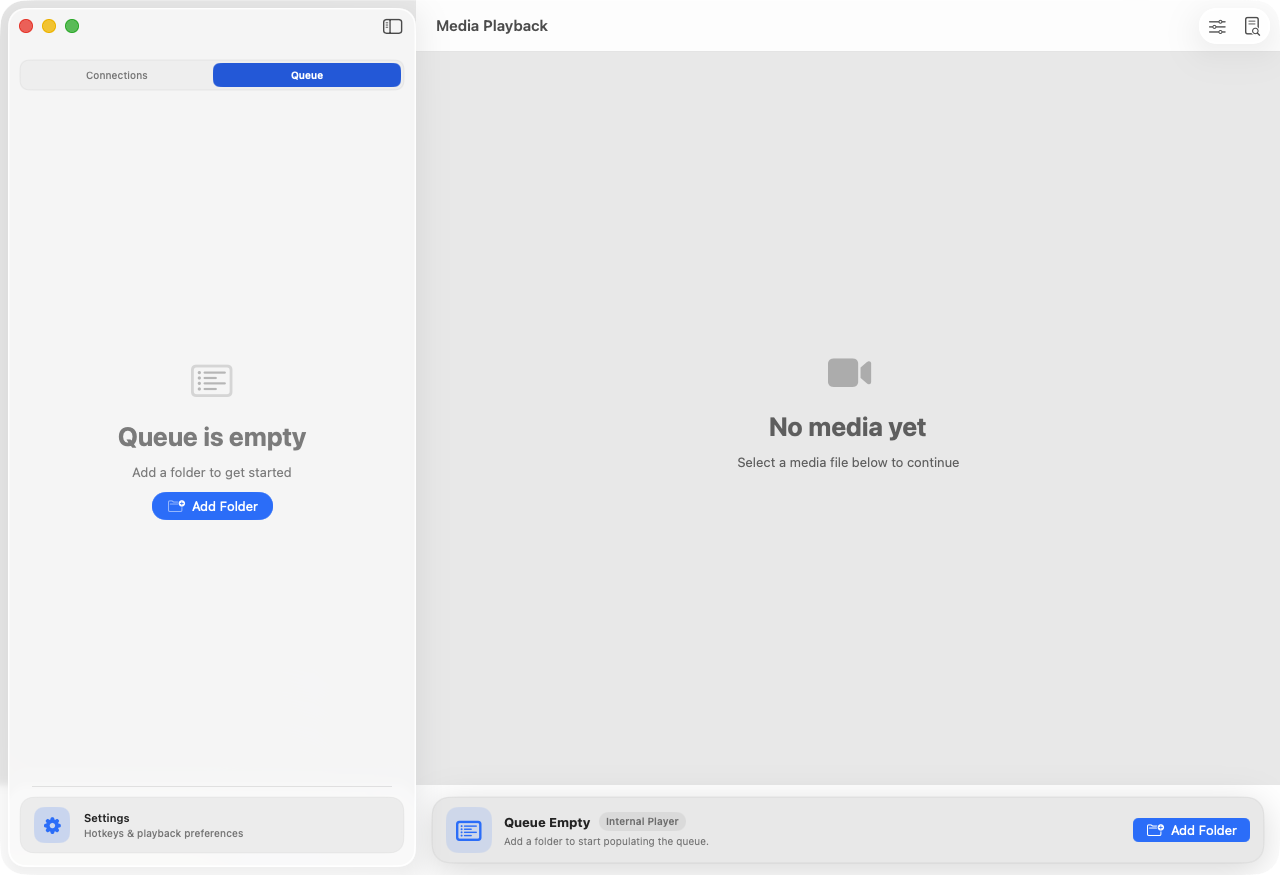
hey everyone, I’m working on the queue/playlist feature.
It is currently called a Queue but I may change its name to Playlist.
Just thought I’d share a couple images from development for this feature.
i’d love to get this out soon. there are still situations to be considered that I am working through, such as when using an external player like IINA.
Because the IINA plugin we have for FunPlayer does not currently support telling IINA to open a media file, it’s kind of pointless having a Queue in FunPlayer when connected to IINA.
Later on, when the FunPlayer IINA plugin is improved to support opening media files then that’s great, but for now would need to display a clear state saying the Queue can’t be used with IINA right now, for example and to suggest switching to the internal player or another player that supports media changes that FunPlayer tells it.
Great progress has been made! Thank you for implementing the requests! 
the next update feels like such a big step forward for FunPlayer that I decided the version will go from 1.8.3 to 2.0.0 to do it justice 
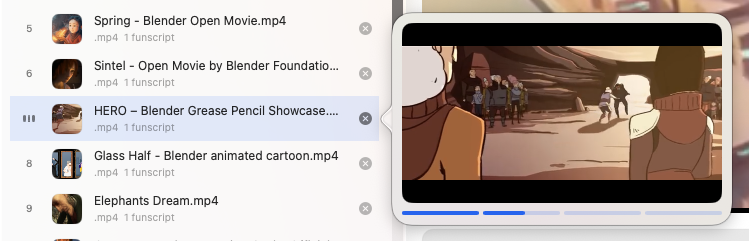
The queue feature is much more polished now and I love it.
So excited to share more soon and get it published.
v2.0.0 is now live!
Take a look at the headline feature; Queue/Playlist is now here!
For Pro users:
Full changelog:
( tagging users who may find this update interesting: @Carrot @coolvp @Ligriff69 )
Nice but still wont DL from Appstore.
Yeah I’ve made some progress on that front, I’ll keep in mind to tag you once there’s a non-App store release.
Trying out the app but when I try to use my mirabot osr2 clone, it detects it on the usb serial port but when I try to connect I get an error something like “missing tcode handshake response”. Any ideas?
Also, do you have any plans to add the following features:
The axis limits are must have IMO. Maybe they are presented once a tcode device connects?
hey friend, so I implemented the TCode spec, maybe a bit too strictly. I think what is happening is your device is not programmed to send the TCode version upon a connection being established so FunPlayer is rejecting it. In the next update I will allow an override or some other way to be more relaxed about this rule.
There is the playback adjustments panel, it can be bind to a hotkey in the app settings or the button on the top-right of the main app window. See this link Playback Adjustments | FunPlayer Docs
The playback adjustments panel contains axis limits. Please do note that FunPlayer does not support multiple axis yet. It is only 1 axis at the moment; L0.
Random movement generation and jumping dead script points are among the features on my todo list. Unfortunately at this moment, they’re not supported.
I’ll update you once a new update has been released that loosens the TCode version handshake check.
Thanks for the reply! I’ll probably buy the pro version whether or not I use it for the osr. I’ve been using your app as a local player for the vacuglide 2 the last couple days and enjoying that.
yeah sounds good. I’m just doing some travelling at the moment so I won’t be to provide any updates for like 2 weeks. anyway, I’ll write a reply here when I’m back and working on this.
thanks!