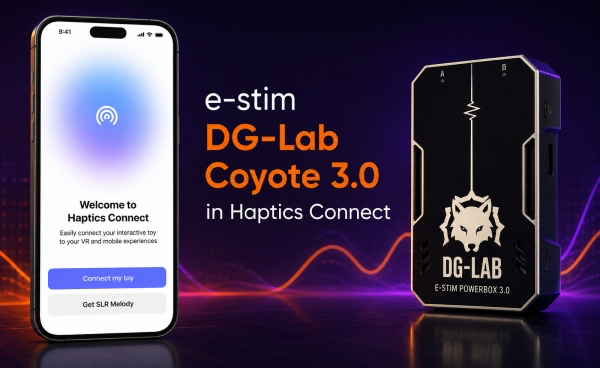
Coyote 3.0 owners: Haptics Connect app now talks to your device directly over Bluetooth - no adapter or third-party bridge needed.
What’s new:
Native BLE pairing with Coyote 3.0
Full intensity/pattern control from Haptics Connect
To connect: put your Coyote 3.0 in pairing mode, open Haptics Connect, and select it from the device list. If it doesn’t show up, make sure you’re on the latest firmware and app version.
Alternatively just press "Connect a device” to start scanning for a device and app will locate it.
Let us know how it works for you, and report any pairing issues in this thread.
Download now:
iOs: App Store
Android: Google play