The batch file already support it. The batch file call the tool with the parameter “*.mp4”, which tell it to process all mp4 file in the folder, in sequence.
You just have to put multiple files in PrepareVideoForOFS folder and start the .bat file.
Small unrelated tip:
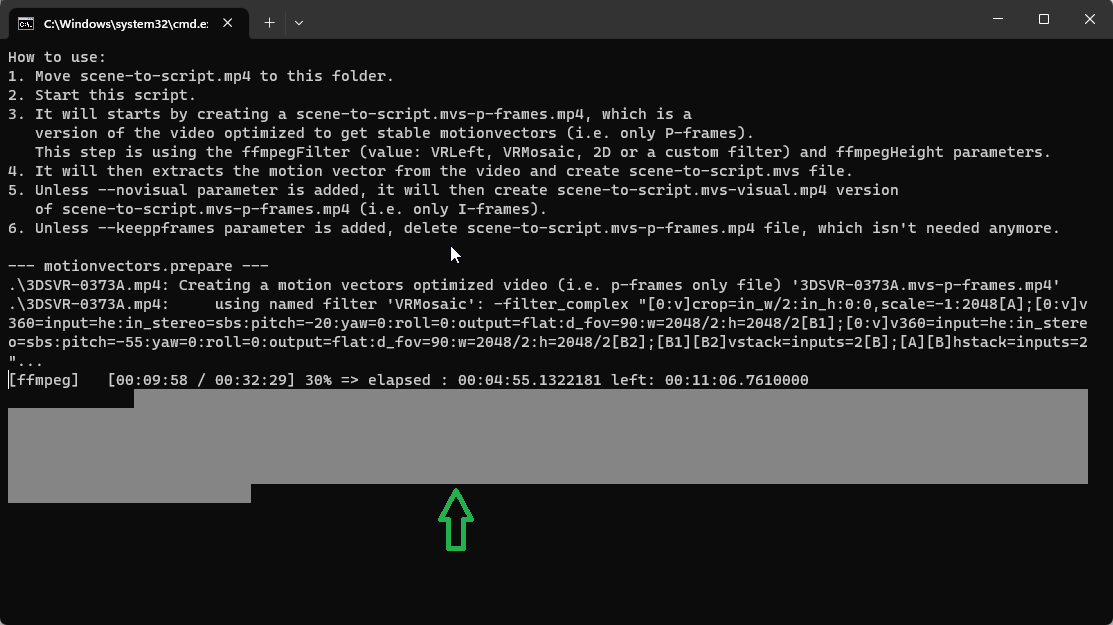
When the tool is processing files, if you want to use your computer at ‘full speed’ for a while, it’s possible to “pause” the tool by “selecting text” in the command prompt. It doesn’t pause right away, but it should pause after ~30 seconds. And then, you can unpause by remove the selection with ESC key. This trick work for most of the command line application that output to the console.
Unfortunally, I just notice that it doesn’t work in the default command prompt in Windows 11.