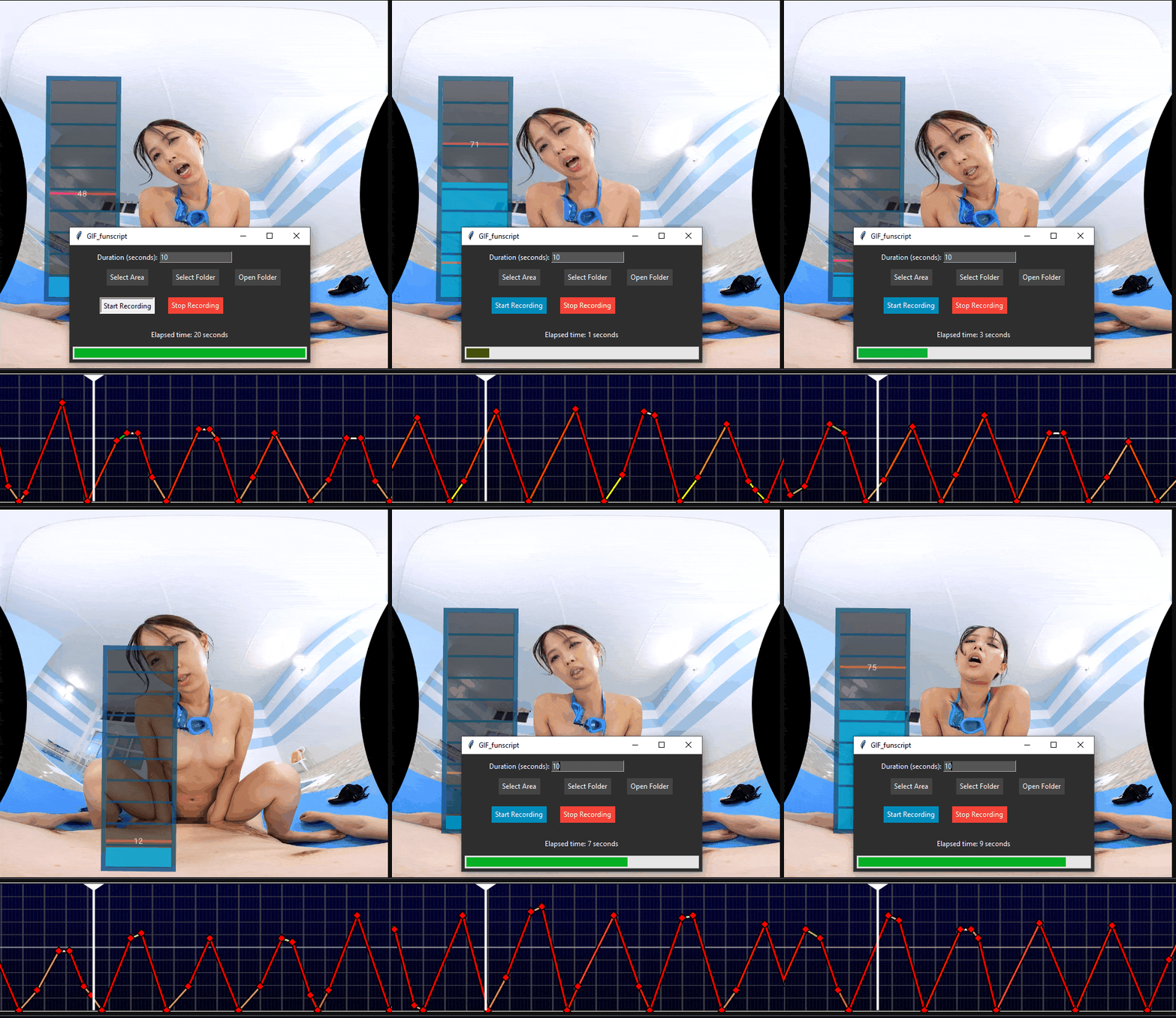
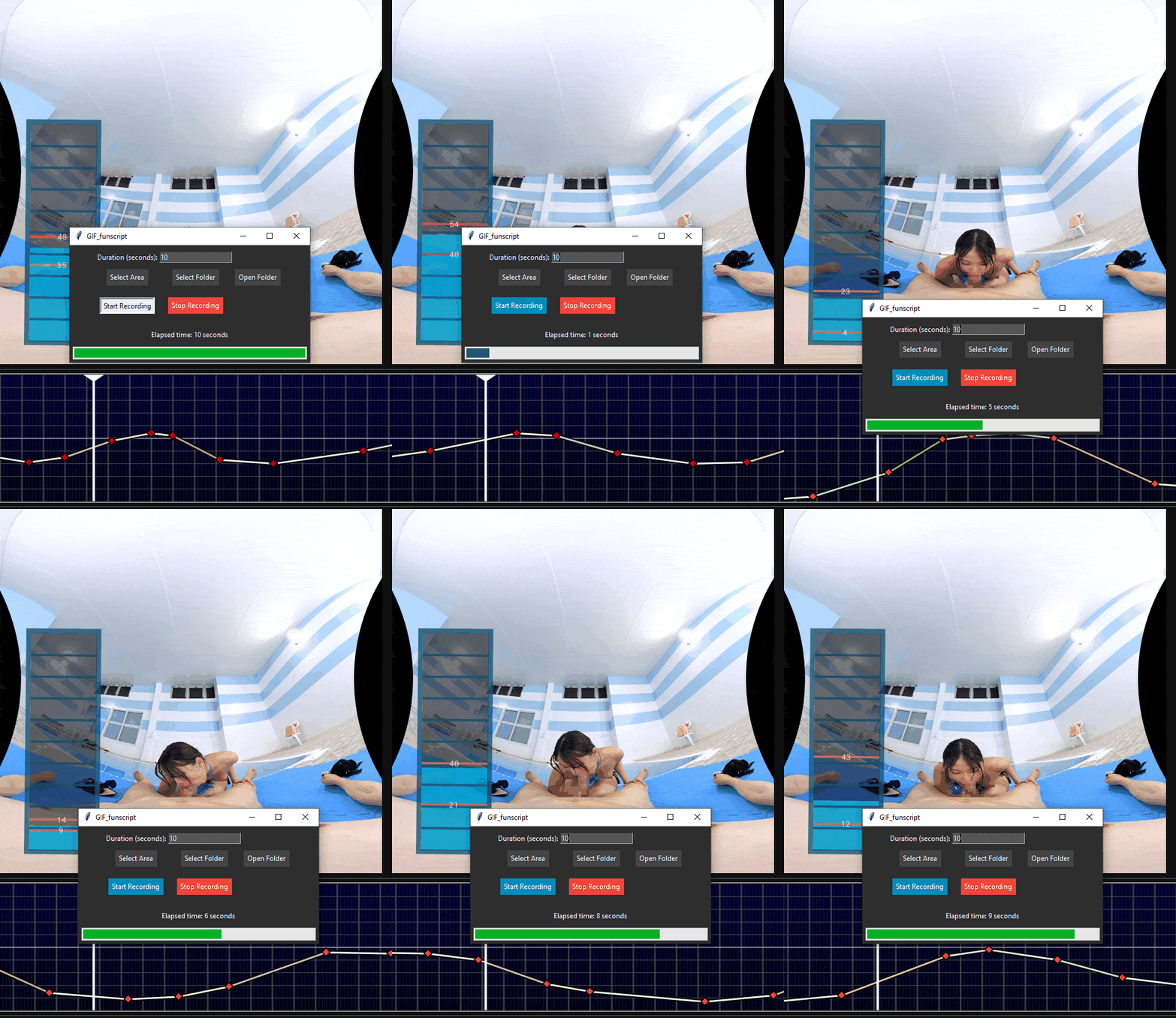
What makes you click on a script in the first place?
Hey all! I’ve recently started posting to EroScripts. I’ve only been posting short (like really short) content as I work out the fine details of making good posts on this forum.
One thing I’ve noticed is that it takes a bloodly long time to make a good post.
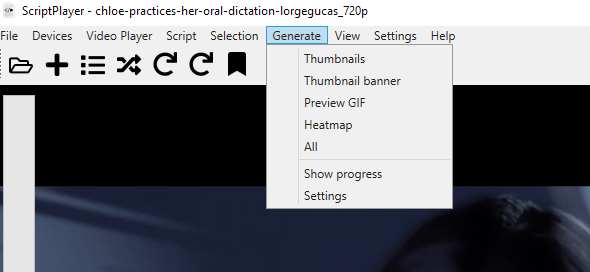
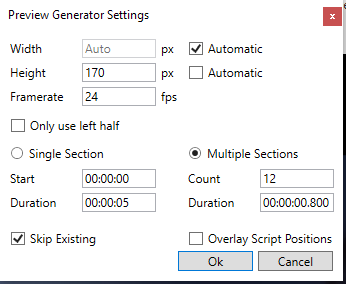
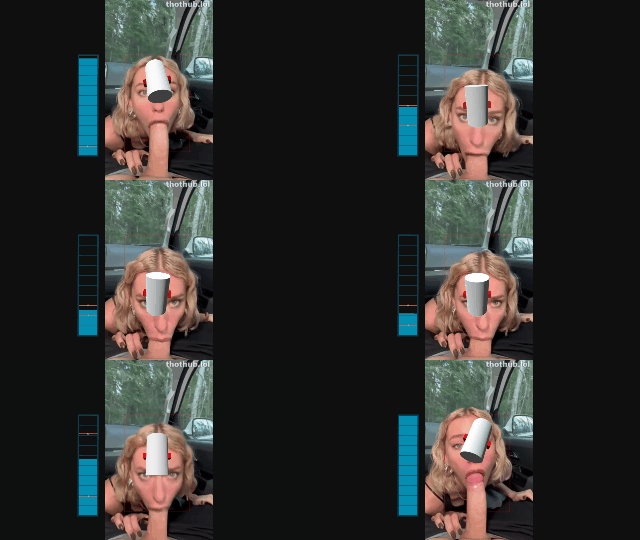
There’s the fun part (making a script) and then you have to make thumbnails, record previews using a simulator, turn those previews into gifs, scale everything so EroScript will actually use it, make heatmaps, track down video repositories, and probably a bunch of other stuff I don’t even know about yet.
Making Gifs takes a long time. I’m wondering if it is even worth it?
Image thumbnails are great. They can be 4k, look really nice, and are super easy to manage and upload. Gifs are fairly hard to make. They need to be 200x140 and less then 8mb which means generally they tend to be ~11 seconds long. That means you need to have specialized software + techniques to create them. 140p animation or 4k image? Is that really a contest?
Examples with links to my scripts :) which are free btw
Generally prefer gifs since it previews the movement which is kinda the whole point of the scripts. Even if the quality isn’t as high, a small gif provides more info compared to a still image.
Usually if it’s just an image I’ll end up opening the video to preview it before downloading. With a gif I usually just download both without previewing it since the gif was the preview.
I made short tutorial on how to create previews if anybody is interested. Gigs as well as a short video that also shows how a certain part is scripted.
I somehow managed to stumble my way into doing pretty much exactly what your guide describes + innovated slightly by screencapping with OBS then turning the video file into a gif in Gimp so I could use gifs for previews instead of videos.
Would have saved myself a pretty big headache if I just read your guide lol
Have you tried GIFfunscript? I’ve had it for so long. It’s a gif generator app that was intended for this kind of problem. I think it was someone’s prototype for a openfunscripter extension tool. I’ve been using it ever since I started scripting publicly. Depending on the dimensions and gif duration, you might have to crop or compress the final gif output, but overall it works fine. It can record slow movement smoothly, but fast abrupt movement will crunch a bit.
Example
The app is not mine and it’s been a while. I’ve been trying to look for it across different forums and cold searches, but I can’t find the original post. I did keep a copy of the downloaded rar-folder though.
Addition to screen-recoding:
ALT + F9 (NVidia App, nowadays many should have that already anyway), but would need an additional video encoding.
Remark:
Gif’s are outdated and way too big, WebP saves space - performance on page loading, I’m uploading webp only.
I don’t understand why it isn’t already done (convert to WebP) server sided.
Might come in handy:
Easy, free, no limits.
On topic:
My opinion, it depends on the content, often a gif (webp) is enough, a thumbnail-preview in addition can be nice, too (also via Script Player or MPC-HC).