This release focuses primarily on feedback-driven improvements, issue reporting tools, device stability, and update system testing rather than major new features.
(There haven’t been many bug reports recently, and most of the core functionality is already in a solid state, so opportunities for large feature additions have become fairly limited.)
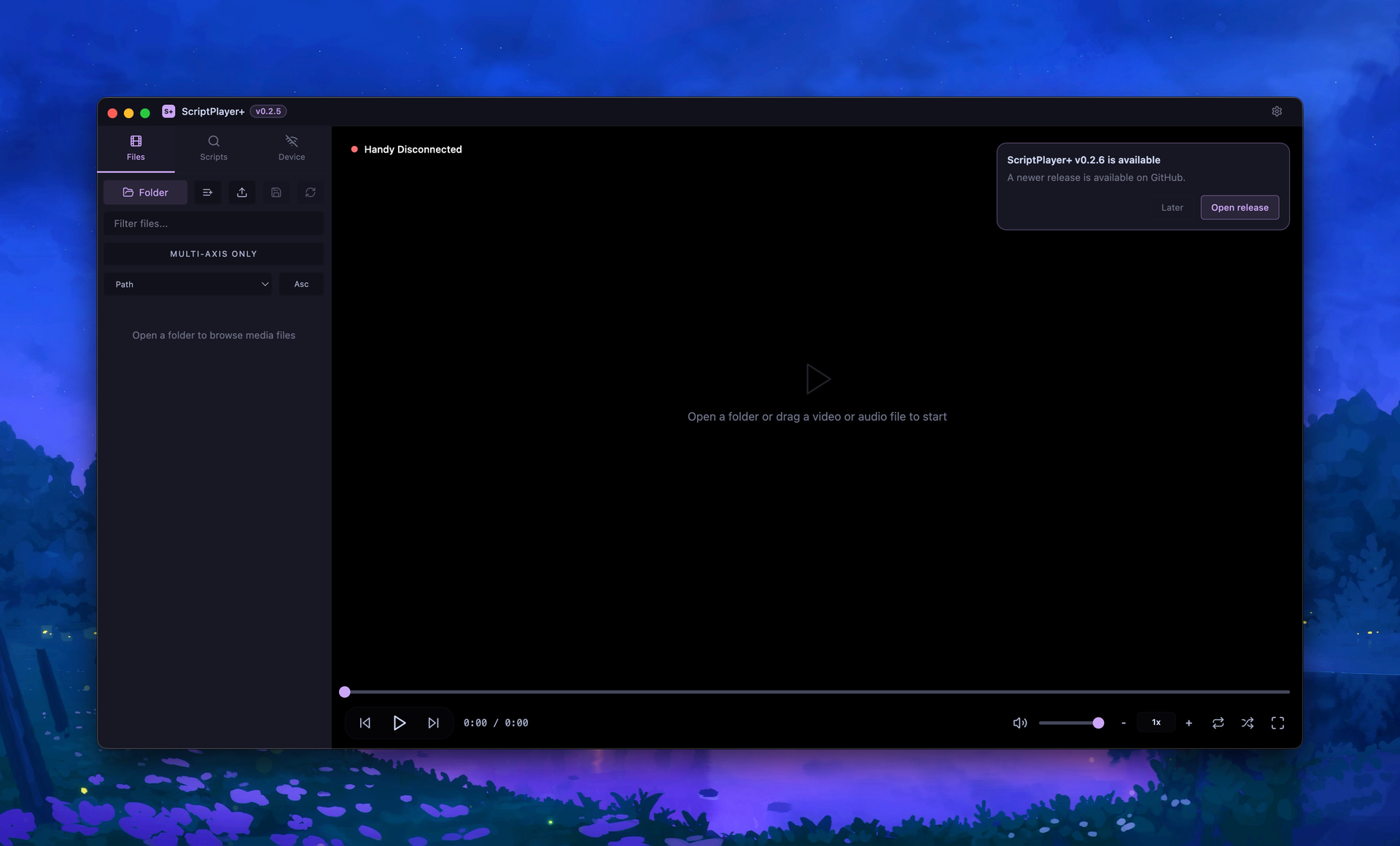
This is also the first version that can be updated directly from v0.2.5 without requiring a manual reinstall.
 New Diagnostic Report Copy Feature
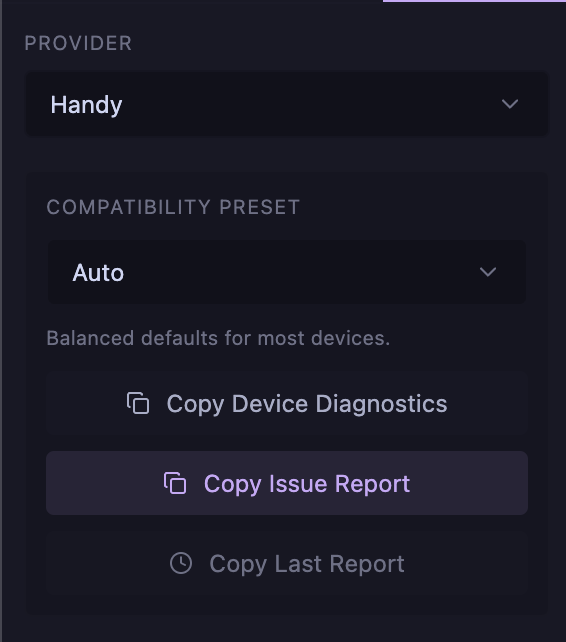
A new “Copy Diagnostic Report” feature has been added to make troubleshooting much easier.
The previous “Copy Device Diagnostics” option mainly focused on device-related information.
The new report combines information about:
-
App version
-
OS / Electron / Chrome version
-
Video playback status
-
Video Compatibility Mode status
-
Script loading status
-
Connected device status
-
Axis mapping configuration
-
Recent playback diagnostics
Personal information such as local file paths is automatically masked whenever possible.
If you’re experiencing issues such as black video playback, script auto-matching failures, or device-related problems, please include this report when submitting feedback. It makes identifying the cause significantly easier.
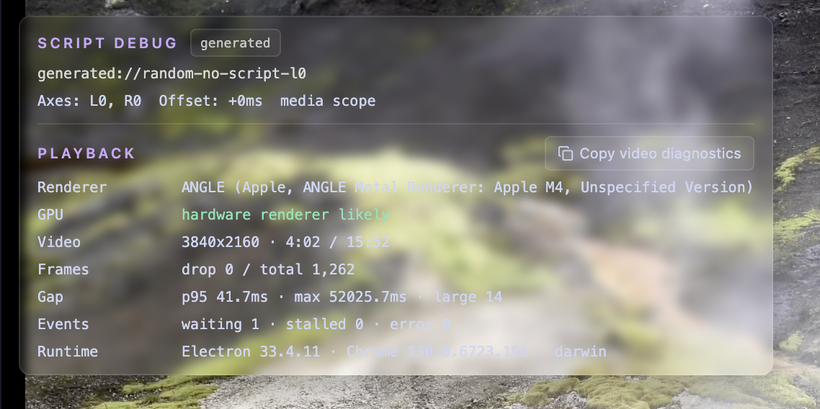
 Improved Video Diagnostics
Video playback diagnostics have been expanded to provide more useful information.
The updated diagnostics help identify situations such as:
-
Video playing while the screen remains black
-
Severe frame drops
-
Potential decoding issues
-
Situations where Video Compatibility Mode may help
Previous diagnostic thresholds were sometimes too broad, causing normal videos to appear problematic.
The detection logic has been refined to reduce false positives.
This should make it much easier to distinguish between genuine decoding issues and temporary frame timing irregularities when reporting playback problems.
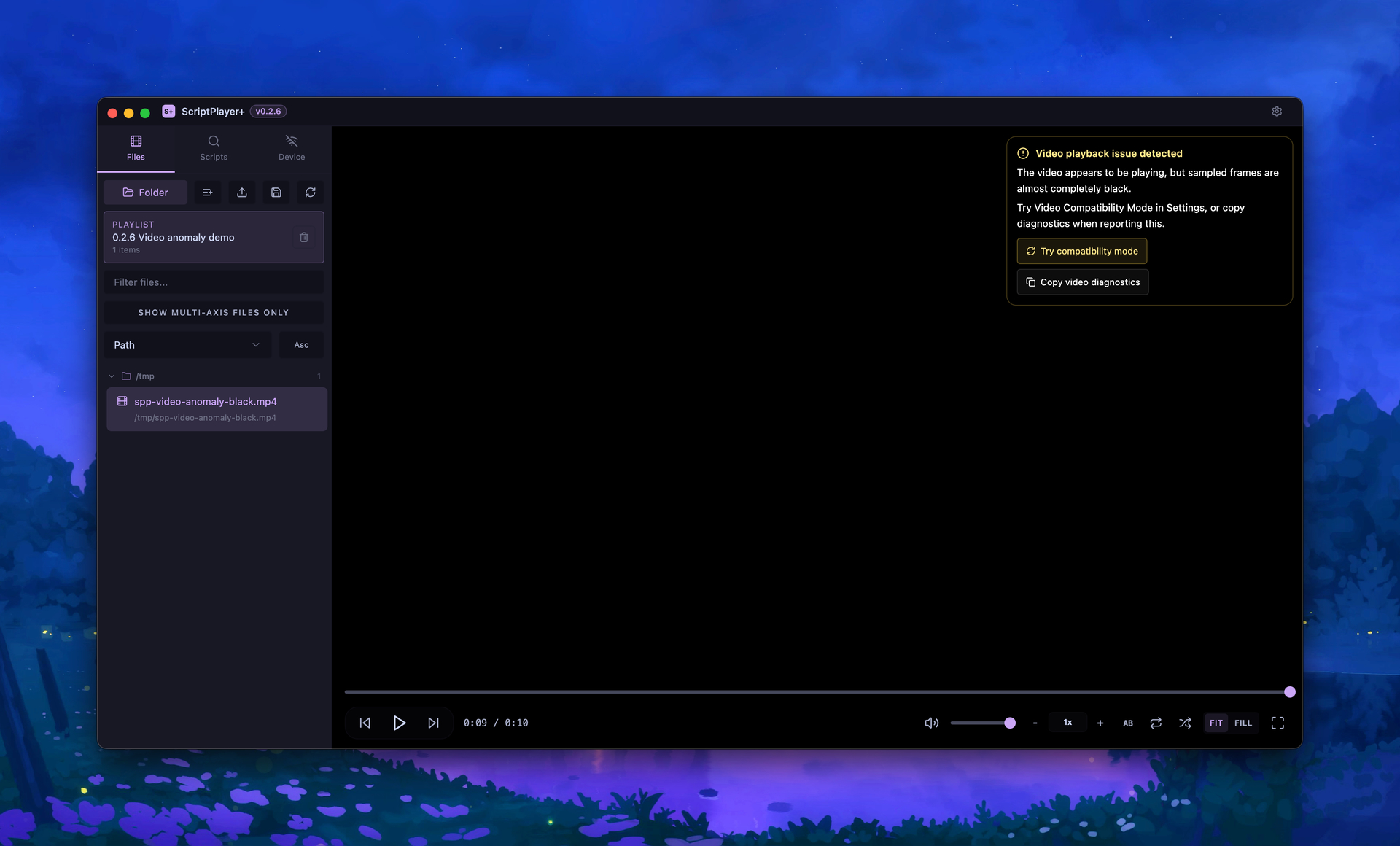
 Better Video Compatibility Mode Guidance
The application now provides clearer guidance when video playback issues are detected.
Video Compatibility Mode is designed to help with situations where certain videos fail to display properly.
This may be useful for:
-
HEVC videos
-
Certain encoded video formats
-
Linux / Wayland environments
-
Specific GPU configurations
-
Cases where audio plays but the video remains black
If you encounter a black screen during playback, enabling Video Compatibility Mode should be one of the first troubleshooting steps to try.
 SR / SR6 Pause Stability Improvements
Several users reported that SR and SR6 devices could occasionally twitch briefly when playback was paused.
This behavior was likely caused by timing interactions between pause handling and idle/keep-alive transmissions.
The pause logic has been adjusted to suppress unnecessary keep-alive and idle transmissions immediately after pausing.
An additional SR Safe Pause Preset has also been added for users who want even stronger suppression behavior.
This should reduce brief movements that may occur immediately after pausing playback on SR-series devices.

Expanded Device Diagnostics
The device diagnostics system has been improved to provide more useful information when reporting hardware-related issues.
Diagnostic reports now include:
-
Connected device information
-
Provider status
-
Axis mapping configuration
-
Compatibility preset settings
-
RawWrite / TCode status
-
Handy / Intiface / FunOSR connection status
Device issues often vary depending on individual setups, so these additional details should greatly improve troubleshooting accuracy.
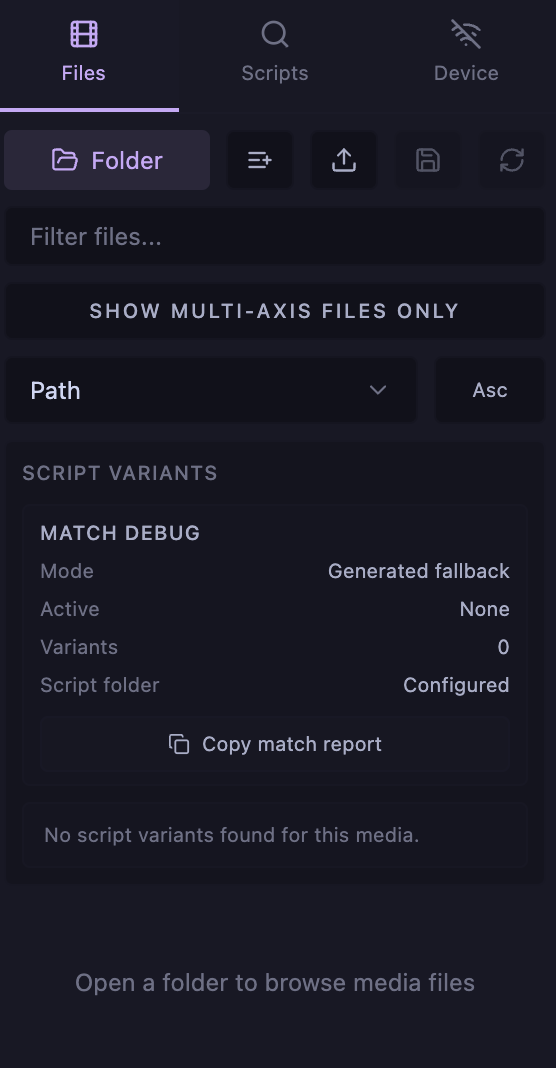
 Improved Script Auto-Matching Diagnostics
Additional diagnostics have been added to help identify script auto-matching issues.
This is particularly useful for situations where:
-
A green match indicator appears but the script is not loaded
-
Files appear to have matching names but still fail to match
-
Folder structures interfere with matching candidates
-
Manual selection works but automatic matching does not
The new diagnostics make it much easier to understand why automatic matching succeeds or fails.
 Dropdown Selection Fixes
Some users reported cases where dropdown menus would open normally but clicking an item failed to select it.
Selection handling has been adjusted to improve reliability across various environments.
Affected areas include:
-
File sorting options
-
Device provider selection
-
Compatibility preset selection
This should resolve situations where menu items could not be selected despite the dropdown opening correctly.
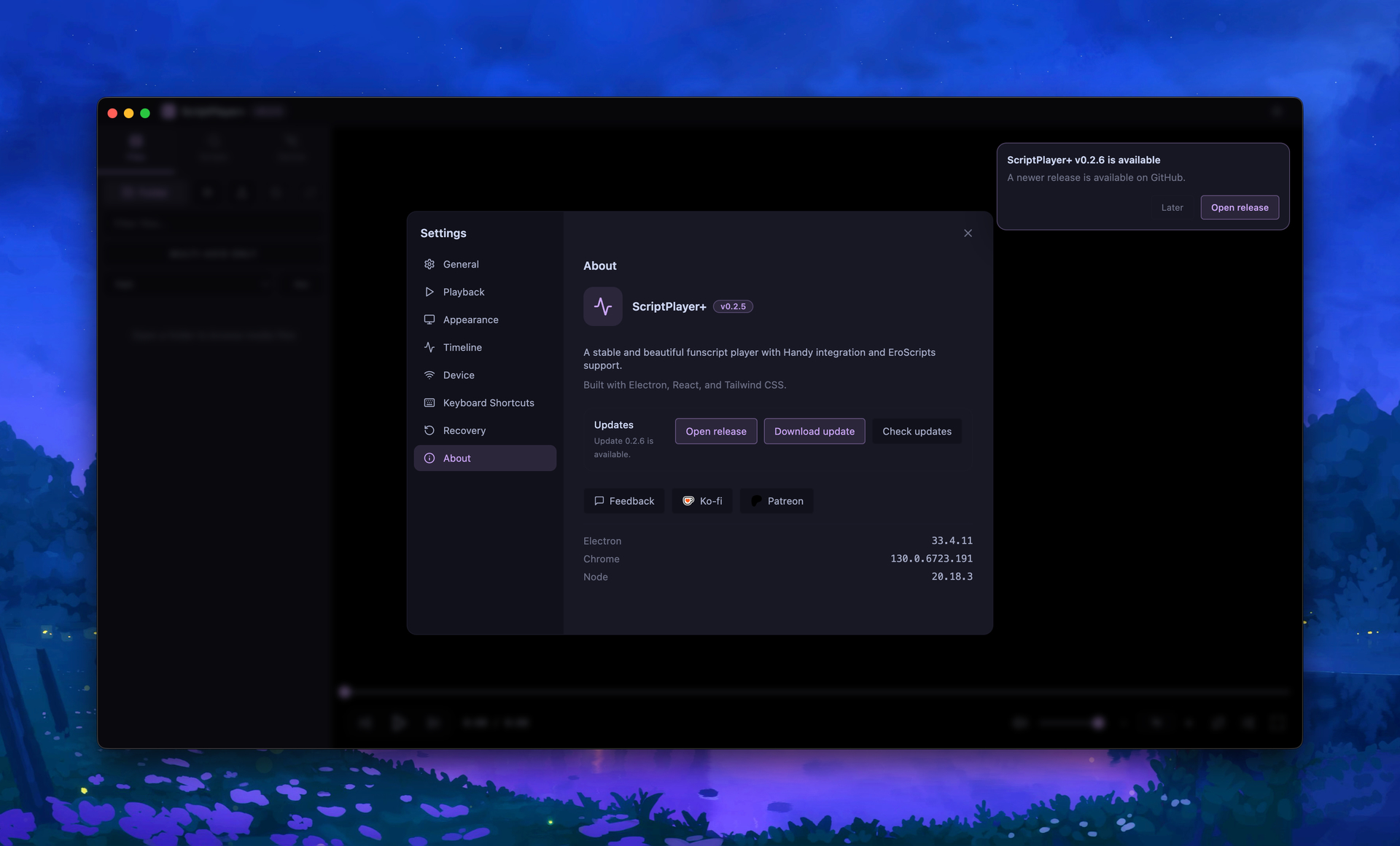
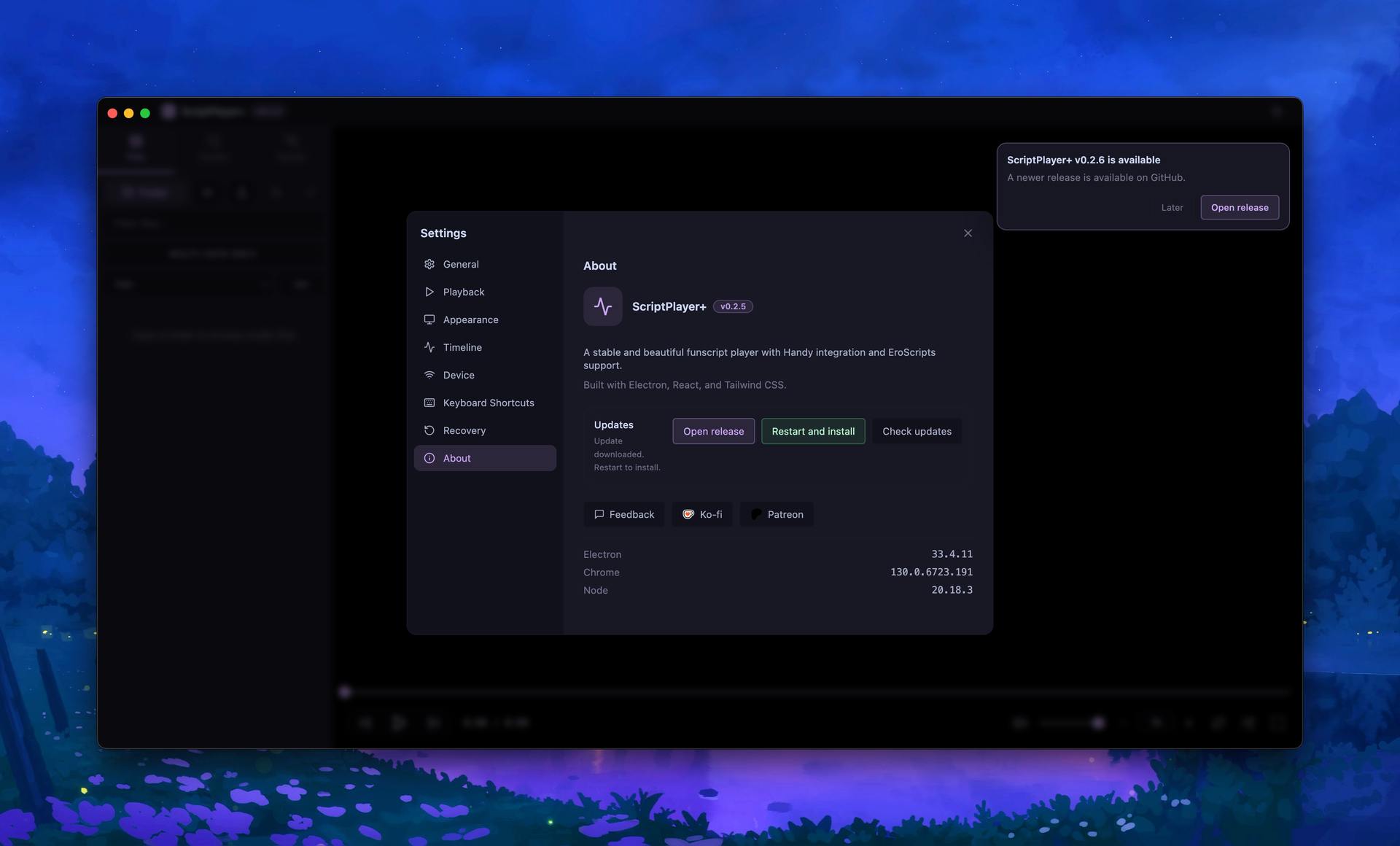
 Update System Test Release
Version 0.2.6 also serves as an update system validation release.
Users running the installed Windows version of v0.2.5 can use Check for Updates to verify that automatic update detection and download functionality work correctly.
Please note:
-
ZIP versions are not eligible for automatic updates
-
Win-Unpacked versions are not eligible for automatic updates
-
Automatic update testing requires the installer-based Windows release
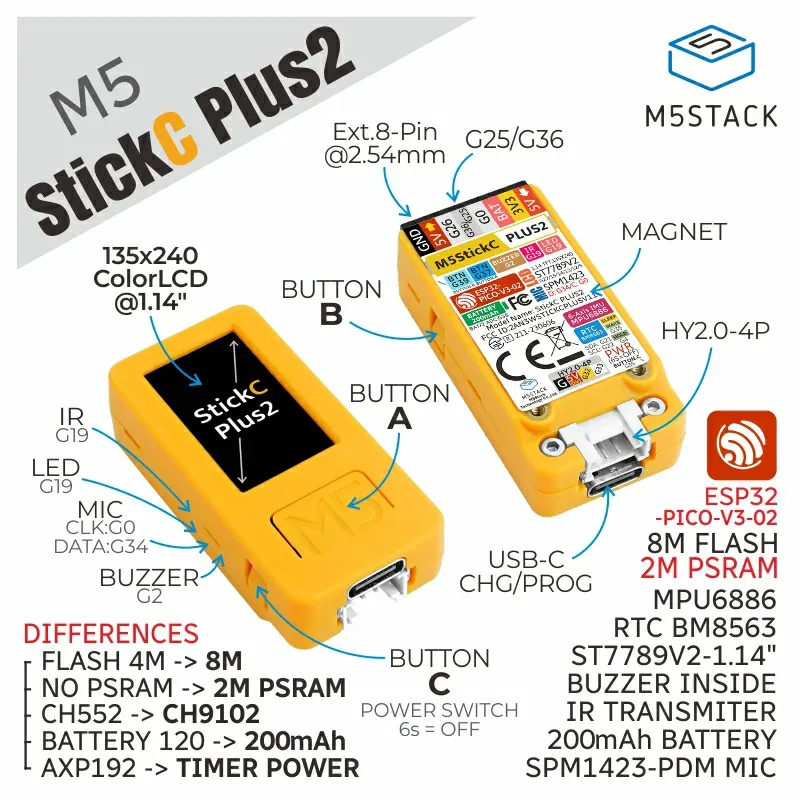

 Upcoming Remote Control Support
A dedicated remote-control solution for ScriptPlayer+ is currently in development.
Using a keyboard and mouse while operating devices can be inconvenient, so I’ve been experimenting with a more comfortable alternative.
The first supported device will be the M5StickC PLUS2, with planned support for the newer M5Stick S3 hardware as well.
The device features three physical buttons and a built-in display, making it a surprisingly good fit as a compact ScriptPlayer+ remote.
Planned functionality includes:
-
Customizable button mapping
-
Basic playback information displayed on-screen
-
Device status display
Default controls are currently planned as:
-
Button A: Play / Pause
-
Button B: Next Video
-
Button C: Previous Video
Xbox-compatible controllers are also planned for future remote-control support.
However, because the M5Stick devices are much smaller and easier to operate one-handed, they are currently the primary development focus.
Remote-control firmware releases will be made available to supporters first, followed by public releases at a later date.
 Download
GitHub
https://github.com/sioaeko/scriptplayer-plus
Release
https://github.com/sioaeko/scriptplayer-plus/releases/tag/v0.2.6
Feedback
https://sioaeko.github.io/scriptplayer-plus-feedback/index.html