USE THIS KNOWLEDGE AT YOUR OWN RISK – WILL MOST LIKELY VOID WARRANTY
So last night my Handy started acting up after a bit over two years of use. First I heard mechanical sounds and then I noticed the slider being hard to move manually. Red light also started flashing and I had to unplug the power to temporarily get rid of it.
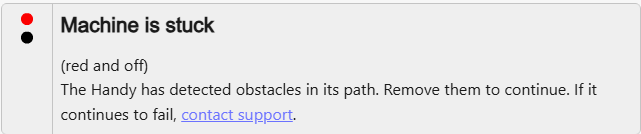
Eventually the slider got completely stuck at the top, but powering up it still managed to slide down accompanied by said mechanical sound. I was able to move the slider manually by hand upwards, but it wouldn’t budge downward.
My device being out of warranty, and having disassembled it multiple times previously for lubricating, I took the device apart again to see what’s going on.
Here are instructions for disassembly: How to take the Handy apart | Ohdoki Help Center
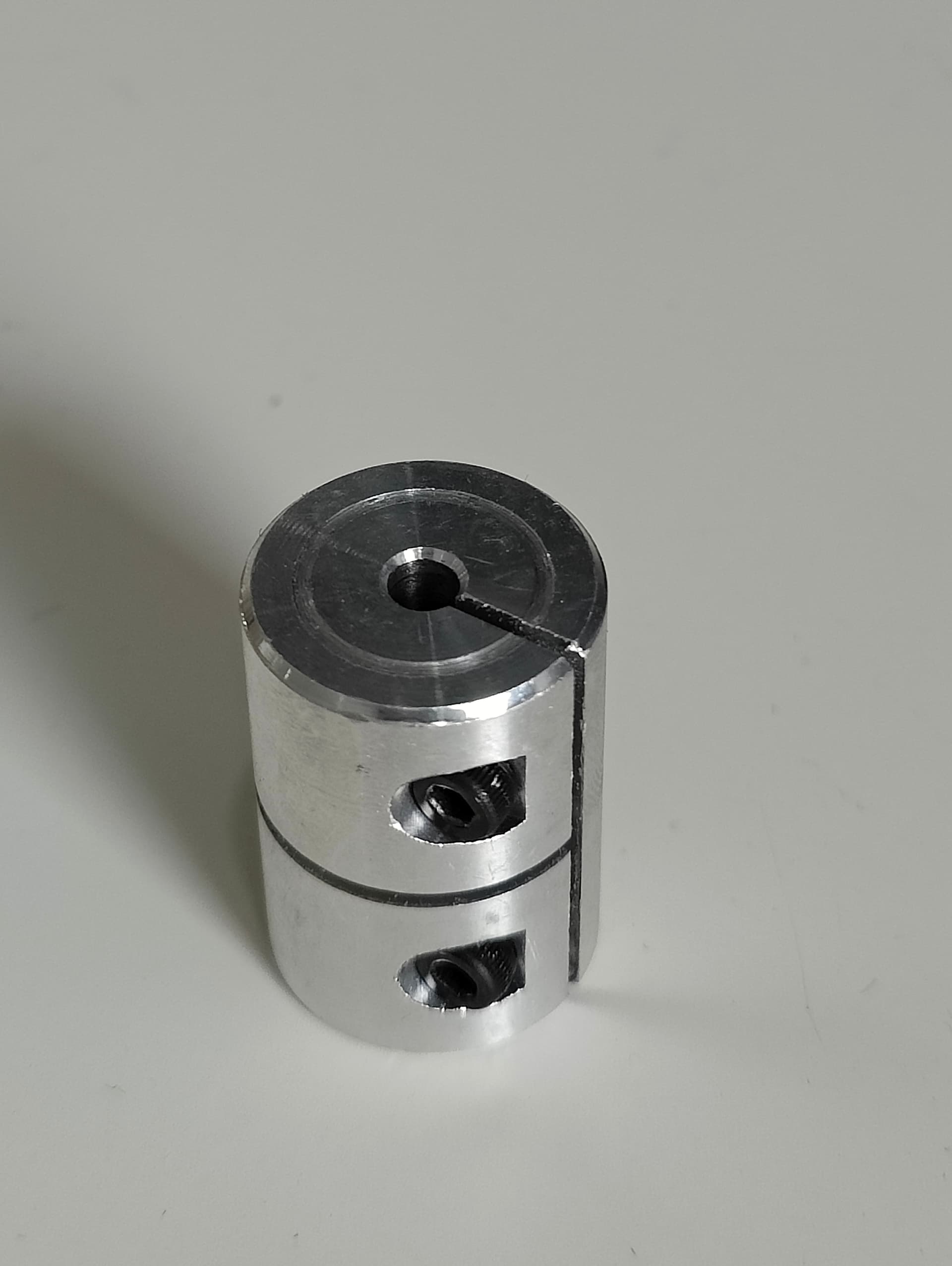
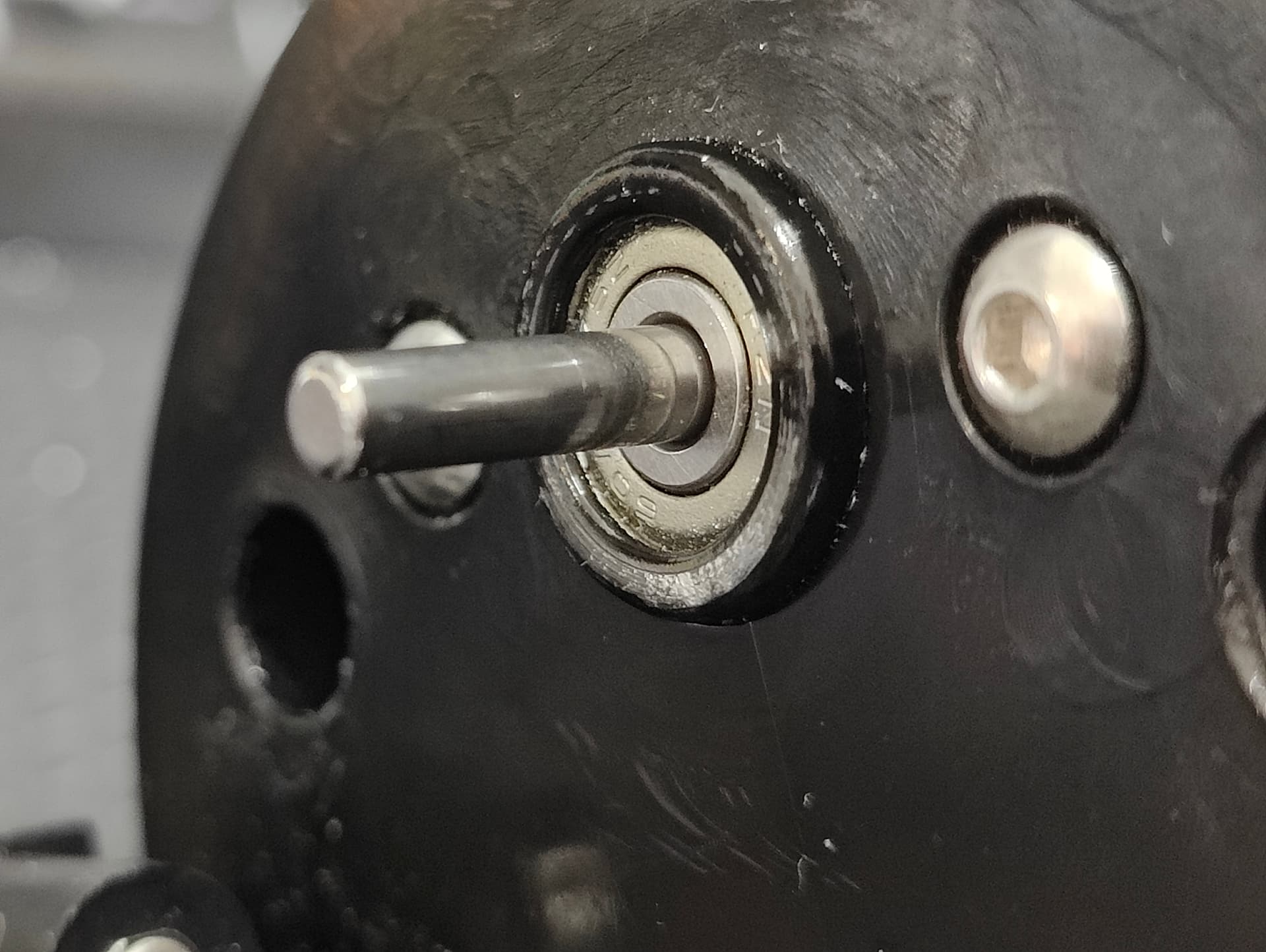
What I found out was that the lead screw to motor coupling was touching the base where the motor is attached to. You can see a groove on top of the coupling where it has been touching the base. The base also has some marring. Same thing actually happened on my Ender 3V2 3D-printer a while ago.
Coupling:
Base:
I ended up assembling the device without the slider side casing in order to make adjusting the couplings position a bit easier. The coupling has 2mm hex screws.
Now that I have done the repair, I think you could get away without complete disassembly. Just slide the slider up so you can see the coupling and said 2mm hex screws. I would first try and loosen only the lower coupling screw and see if it would be possible to slightly increase the gap/rise the coupling using a small flathead for example. If not, also loosen the top screw. You can also gently pry the coupling open by the split if it won’t budge. You do need to be careful to not raise the coupling too much in order to prevent the slider from bottoming on the coupling and/or the top of the lead screw touching on the top of the casing.
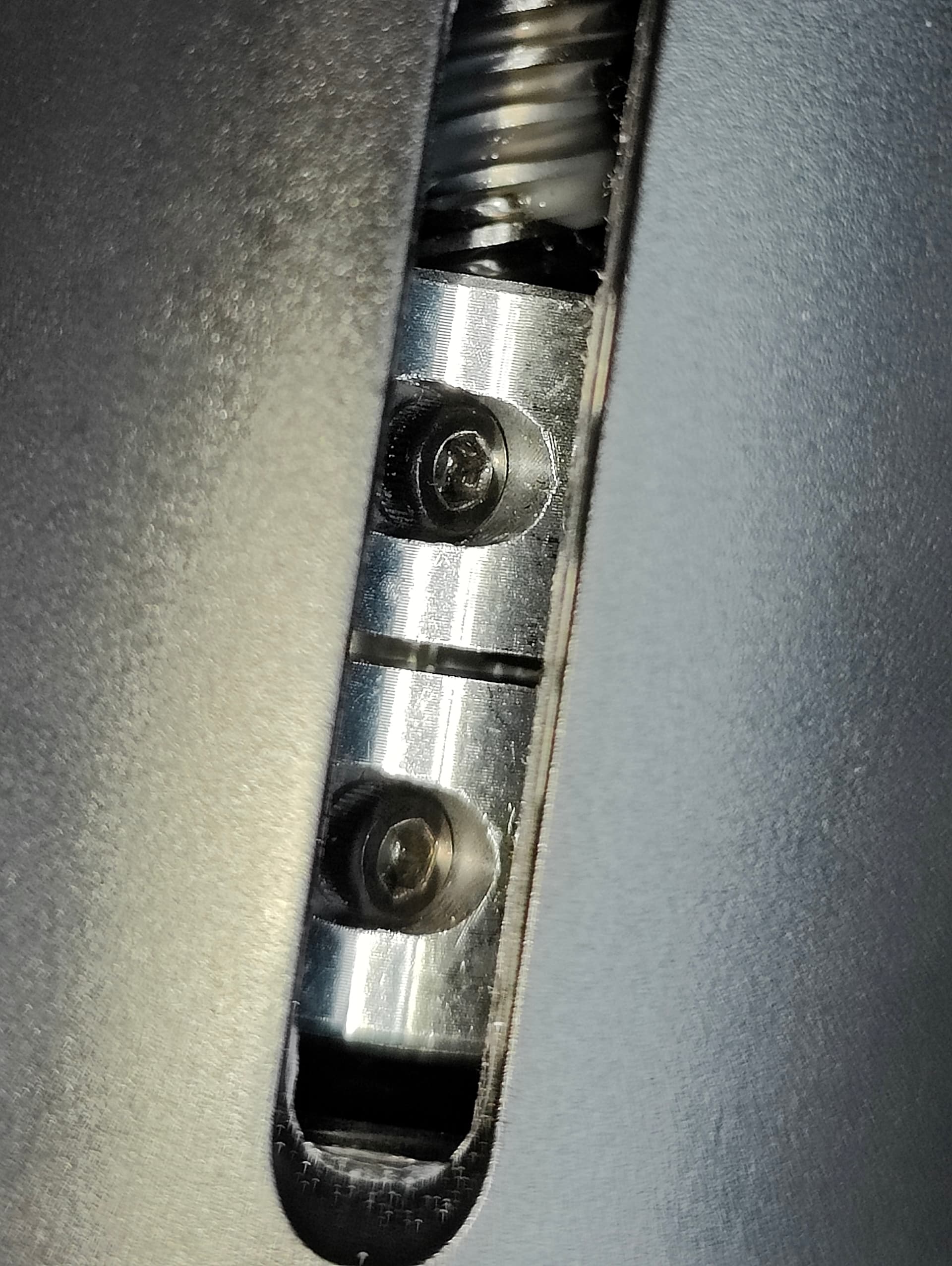
Not the best howto since I didn’t take much photos, and making this post crossed my mind after already assembling the device. Feel free to ask since I probably missed something relevant.
This is my first topic here sot let’s see how it comes out.
