so i wish to use this to organize my main folder. it seems like a really good way of doing so! but i have a few gripes. maybe they are simply because i am not seeing some things, but idk
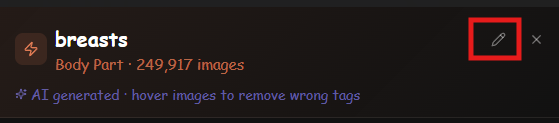
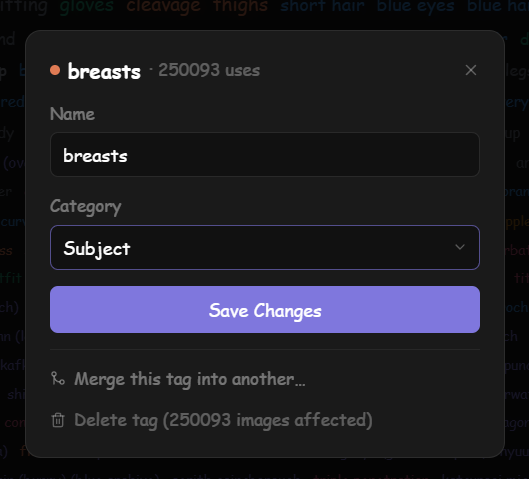
adding tags, merging tags, or deleting tags altogether in the tag manager would be amazing! as of right now, i can only add tags when selecting files from the photos or videos tabs.
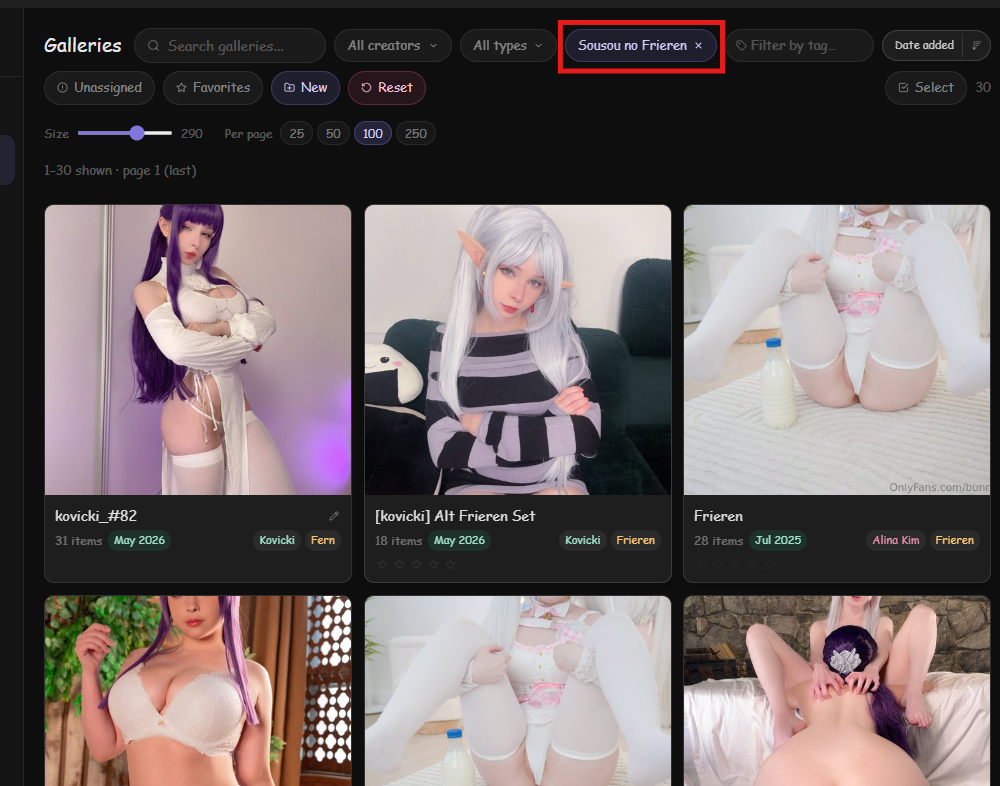
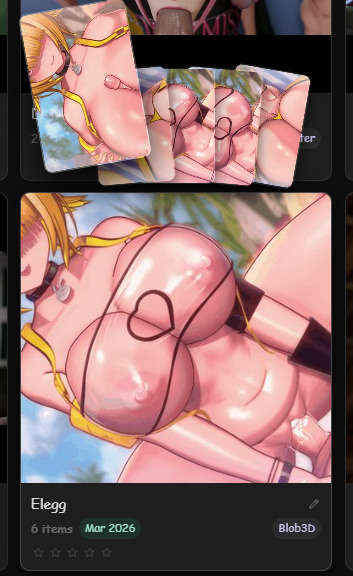
managing galleries. it is so nice that you can add or merge galleries! that is so nice! but a few things
when you adjust galleries, it doesnt change the file location on the PC, does it? so i would still have to manually do that?
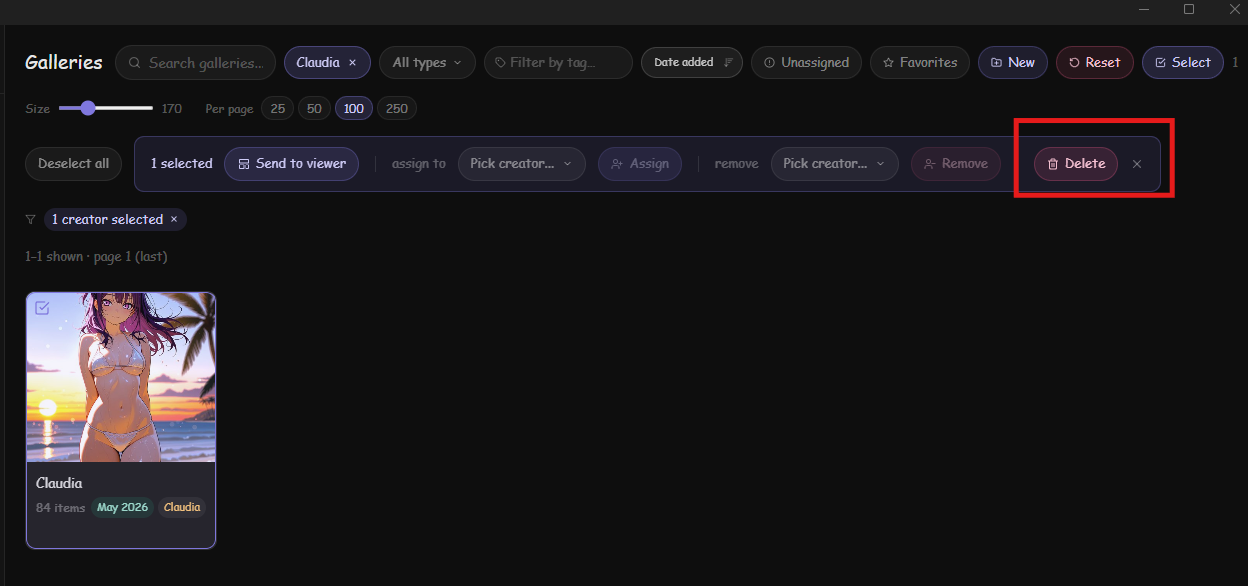
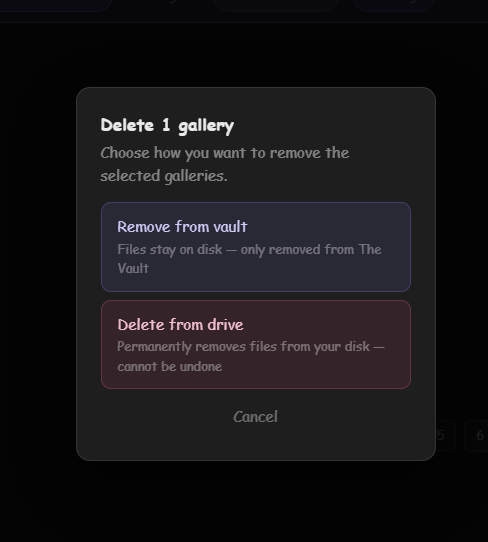
second is the creation or deletion of galleries as a whole. creating them is easy enough but im not sure if it actually creates them somewhere on the PC. and deleting them, i flat out dont know if its even an option. is it?
the creators tab is so cool! being able to sort by character or artist and such. my only recomendation is to add a section for “Franchise” and such. like sure i can lable them all as characters but eh.
it is nice to have like all of RWBY in one place, or helltaker, or overwatch, or league of legends, etc.
also the tagging of images to said creators. i know it is trying to help out by auto marking the same images that are in the same folder, but that is slightly counterintuitive when trying to sort FROM the vault first
so big thing is. is there a way to delete galleries
can i edit stuff from the Vault and have it change destinations on my PC
can there be a new creator section for franchises instead of just characters
–Merging galleries moves the files from whatever folder you have to the destination you choose, so yes, it does change the location on PC. if it doesnt… then its a bug i need to look into.
–About Franchises, there kinda already is a field that tracks which game/universe a character comes from… I could simply allow you to sort and search by whatever is in this field in creator/gallery view. Is this what you mean?
–“but that is slightly counterintuitive when trying to sort FROM the vault first” Well like i answered in the above question, given the way my collection is organized, i didnt even consider this posibility of using the vault as a sorting tool instead, what i wanted was a pretty way to display it and browse it.
But you’re right tho, this adds much more utility.
–However, thats a semi big rework because the photos inheriting the creator of their parent gallery affects a lot of other stuff. So im thinking about the best way to go about this…
-yes! if i can search, for example, “Overwatch” and get any character that is labled as being in overwatch, then that would be perfect!
-The galleries… apologies… I didnt see the select option when i originaly wrote this. so its just like the individual files then where you cant delete it while viewing it. ok its good you can delete them though. thank you
-i do really love the batch feature so far!
-is there a way to batch add to specific galleries similar to your batch assign for creators and tags?
-And wholeheartedly the biggest thing i want from this kind of app is being able to sort or display files by tag or other. and yours is BY FAR the best at it right now! so kudos!
so even if it doesn’t inherently sort the PC files itself all the way, as long as i can view them from this app, or open where they are on my pc from the app, then i am more than happy!
-i am a little bummed about how some things are getting tagged, but that is also my fault for not organizing my stuff in of itself. (i need to fully revamp my own PC sorting and just try and sort them by character).
-since the adding creator portion applies to the whole folder, which is good in theory, what about allowing the user to remove A SINGLE file from the creator lable while keeping the rest still attached.
ex:
i have a bunch of folders that have YorHa 2B in them. some in a futa folder, some in a positions folder, etc. right now if i were to lable one futa 2B as YorHa 2B creator/character, it will lable everyone in that folder as such too. i would then like to go in and remove ones that ARENT YorHa 2B without removing it from the entire folder altogether.
that way the overall assigning framework stays he same, but then people can go in and fix the strays?
yes! if i can search, for example, “Overwatch” and get any character that is labled as being in overwatch, then that would be perfect! – Yep, this will be in the next update this week
is there a way to batch add to specific galleries similar to your batch assign for creators and tags? – What do you mean here, like to transfer from one gallery to another? not sure i got your point here.
the user to remove A SINGLE file from the creator lable while keeping the rest still attached – A right click menu is coming that allows more control over individual items across the entire app, also i added a way to batch select items inside a gallery so you can do any action such as remove a creator yes.
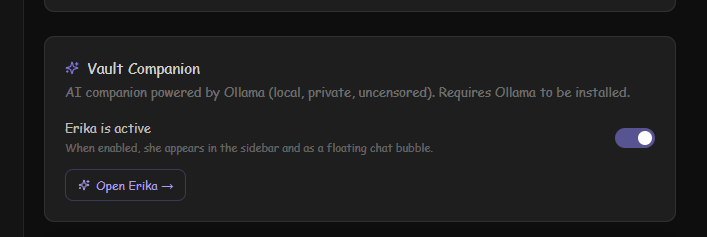
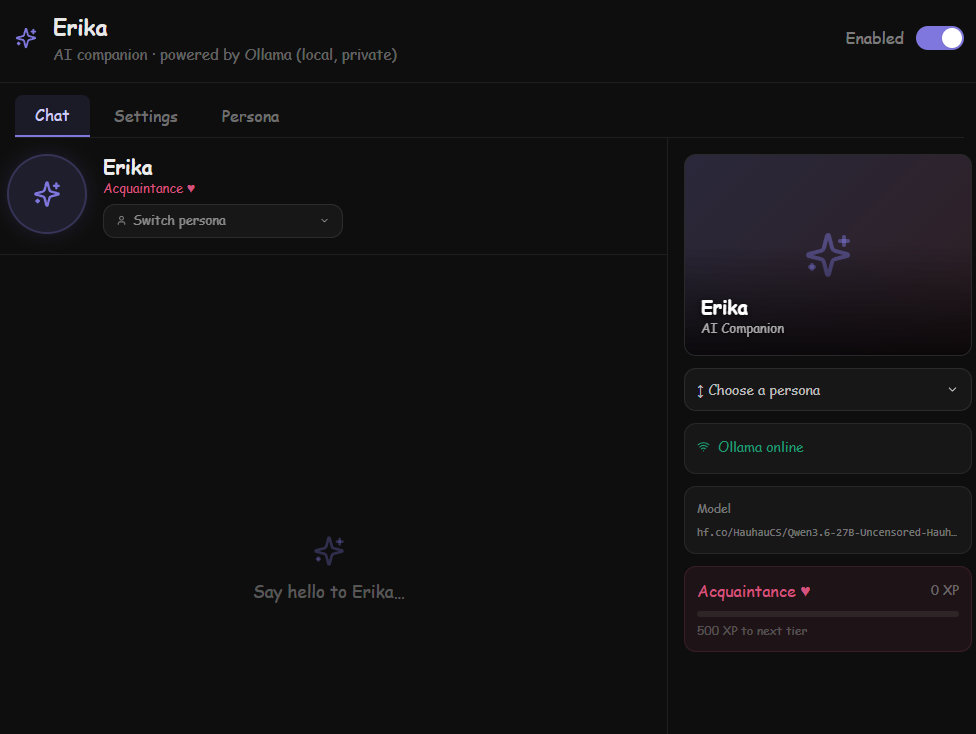
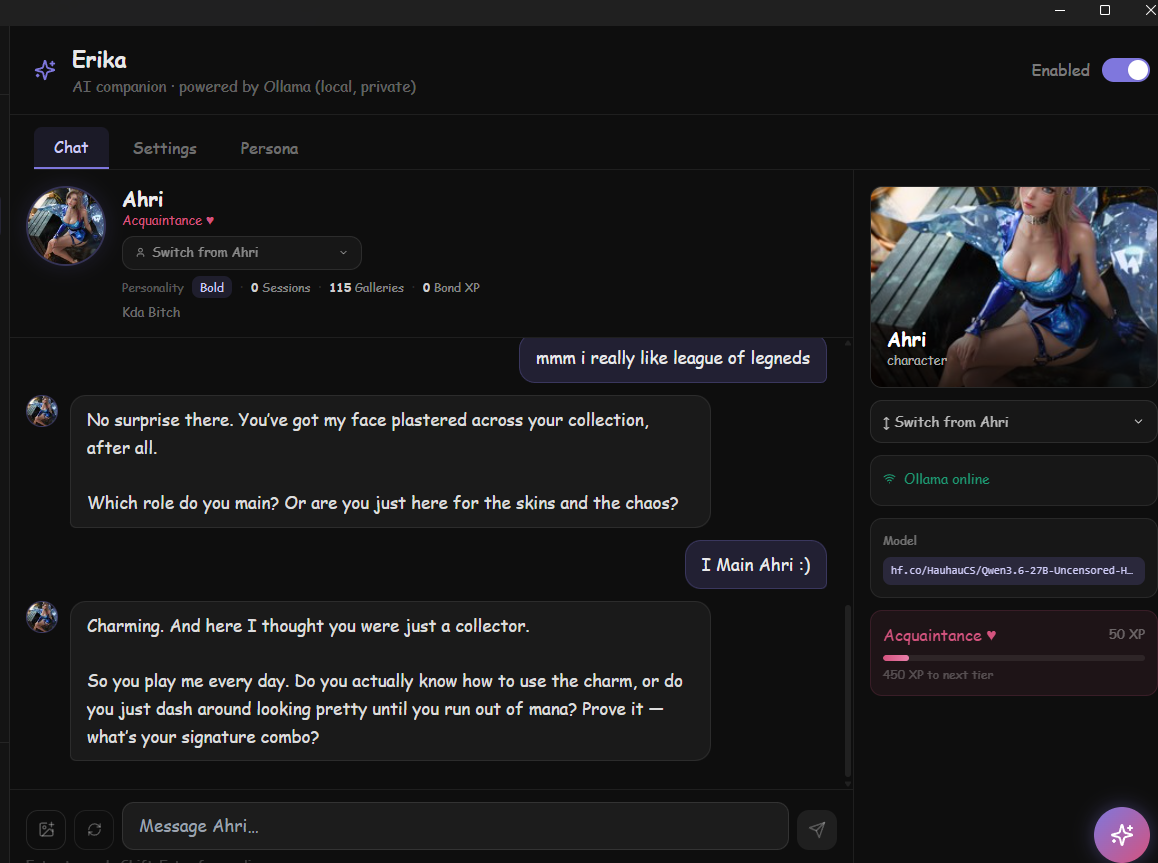
Erika AI Waifu chat: You can link the vault with a local ollama installation, using any LLM of your preference. This is opt in, it comes disabled by default, you can enable it in settings if you want to try this.
AI Waifu features: Multiple personalities, full customization. Each creator becomes a separate chat window so you can “talk to them”, and select personalities accordingly. Talk to them often to increase your bond with them, and slowly progress towards a more intimate conversation.
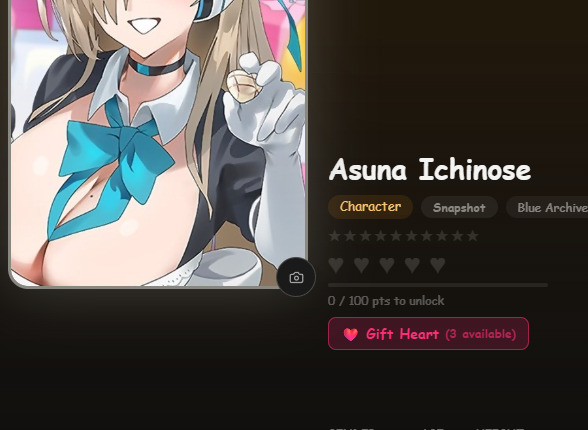
Bond levels: You can increase them by just talking with them or by spending time looking at their photos. Fastest way is gifting hearts. You get 1 heart dismantling rare or above cards in the TCG game.
DEVICE CONTROL: Above Crush level, the AI can fully control the linked device using natural language. By default, the system prompt doesnt acknoledwge it as an AI, instead, if you initiate any ero roleplay with the chat it will understand to use the device to simulate strokes, penetration, etc.
This can heavily depend on how capable the model you choose is.
Recommended Model: Qwen3.6-27B-Uncensored-HauhauCS-Balanced 16GB. Some of the Dolphin models might also work. Just make sure they are uncensored for adult content.
Main Dashboard slight re design with more actionable content up front and 'Discover" sections merged.
This looks great. Always excited to try new solutions.
I see that you listed remote support. Do you have a time line for that? For my living situation I use an iPad in my room to enjoy my collection.
Will that feature be a full representation of what’s available on desktop? I’d love to be able to create Playlists, add and remove videos from the queue, and delete videos from my iPad. If these features are going to be added I’m definitely going to keep an eye on development.
All videos with a matching .funscript file get the funscript tag added, so you can find them using filter by tag. There are many ways to filter and search content. Its one of the main features of this app!
similar how you can select multiple pictures or videos, and add a tag or creator to all of them, i was wondering if you could make it so you could add all selected files to a gallery as well
wonderful work as well!
also i noticed that the handy is a little bugged, at least when i was trying it last week. i have designated scripts attached to videos, so that isnt a problem, but it wont transfer to the handy2. i should try the handy1 to see if its specific for that, but its… interesting.
i would be able to connect via the connection key, but even the test script didnt seem to work when i used the connection key, OR when i used intiface
Ill test the latest version tonight, but from the previous version, it was just… funky
If you used intiface, it would connect just fine, but no script was playable. Vibration or otherwise. Maybe its been fixed in the latest one. Im not sure. Ill check tonight
If you used the handy connection link, it would say it connected, but then the handy wouldnt respond to anything sent to it. No test script, no scripts in videos, etc.
Ill try the extract to new gallery option!
edit:
updated and looking at the new features and all. the ai companion is a really cool idea! ill be looking at setting that up soon.
after the update, connecting the handy2 to intiface and having it controlled works! the new options for that are nice too! only note i can give right now is the stop button when away from the device control tab. maybe i am not finding it right, which is likely… but, when you are browsing, or using the ai companion, etc, and you have the small drop down for the device control when it is running, you have an option to STOP it, but not resume. while most people probably want to just continue all the way through, theres often times where id like to stop the handy here and there, so having the feature to stop and start whenever wherever is really helpful.
the intiface portion for controlling the handy works great! it actually connects to funscripts too (although i did miss before there was a sync button, so maybe that was on me last time. not sure. )! however, the handy connection key portion simply does not work as of right now. where the test stroke sends one stroke to the handy in the intiface connection, nothing happens when using the connection key. same thing with trying to use funscripts. it doesnt want to send it to the handy, even though it SAYS it has connected and is sending data. odd…
Hey I was wondering if you could write a complete guide to setting up the AI chatbot. I’ve tried sorting it myself but can’t get it working. Might be helpful to put it in the help section in the vault as well.
Then you need to download any model you wanna use for the vault. dolphin · Ollama
if you want to use the model I recommended, after installing ollama, type this in your terminal
so ive been fiddling with the erika ai and the personas and such, and ive noticed that you cant save or add the different personalities, nor give them system prompts. odd…