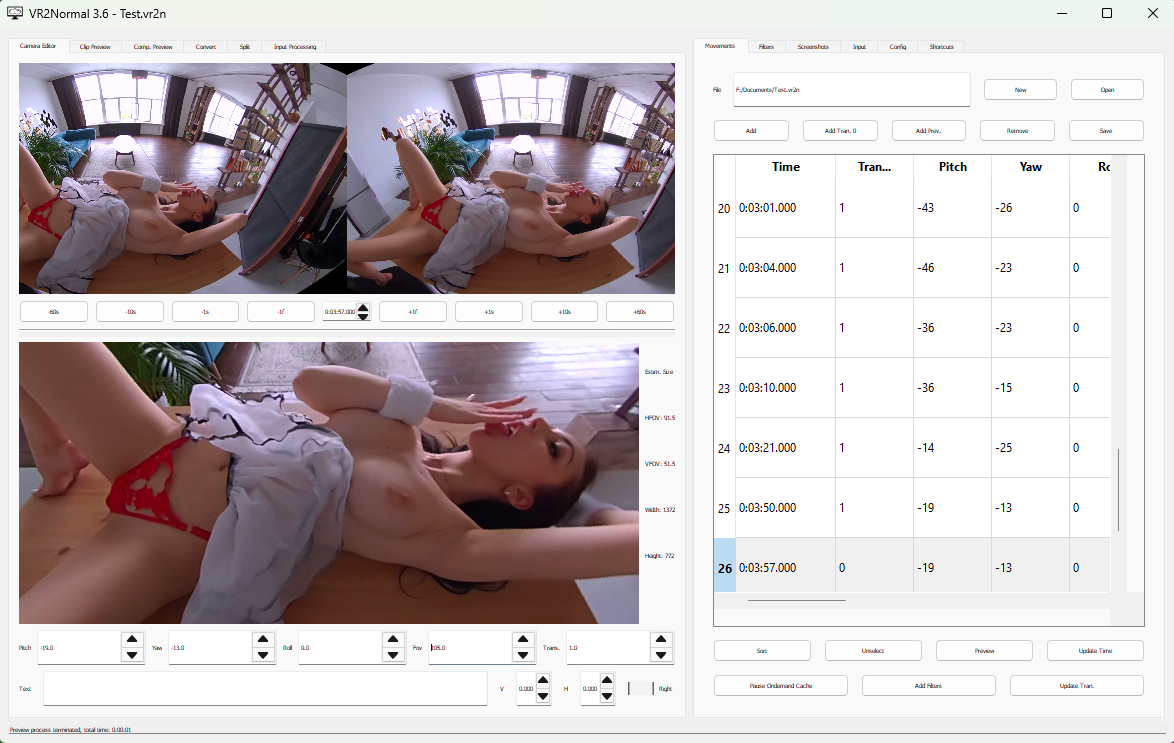
Program i’m currently using to turn vr videos i have scripts for into 2d videos you can watch and use the handy without needing a vr headset
in my case im making use of it because i have vr videos but don’t know how to connect a skybox vr + oculus to the device so its easier to just make the video no longer VR and it takes up alot less space allowing me to use this on my handy 2 as well as put the videos on my phone as a result I’m currently using it on some dakota tyler vr videos i have saved with scripts for so i guess i’ll call this an announcement as well although im still working on them
Interesting. I ran it on my Win11 machine with 1920x1080 screens and the lettering is very small. I tried changing scaling in display setting but that did not work. I fumbled around with what I could following the tutorial and was able to make a quick preview file but must have a setting wrong or something due to not being able to read all the titles. I will say, that it ran with no errors and did create a very pixelated preview that seems to follow the movements I made. If the scaling issue could be fixed that would be awesome and instead of buttons to adjust positioning, Just being able to use the mouse and wheel in the Camera editor tab would be great. Other than those two things, I think you have a great piece of software. Could be a bit time consuming going through a video one or ten seconds at a time, but are there any parts of scripting, video editing, etc. that are quick.
Wdym by scaling issue? If it’s the preview aspect ratio ur talking about you can change preview size in settings if you mean like how zoomed in or out it is you need to change fov but it does reccomend no lower than 95 and no higher than 105 fov.
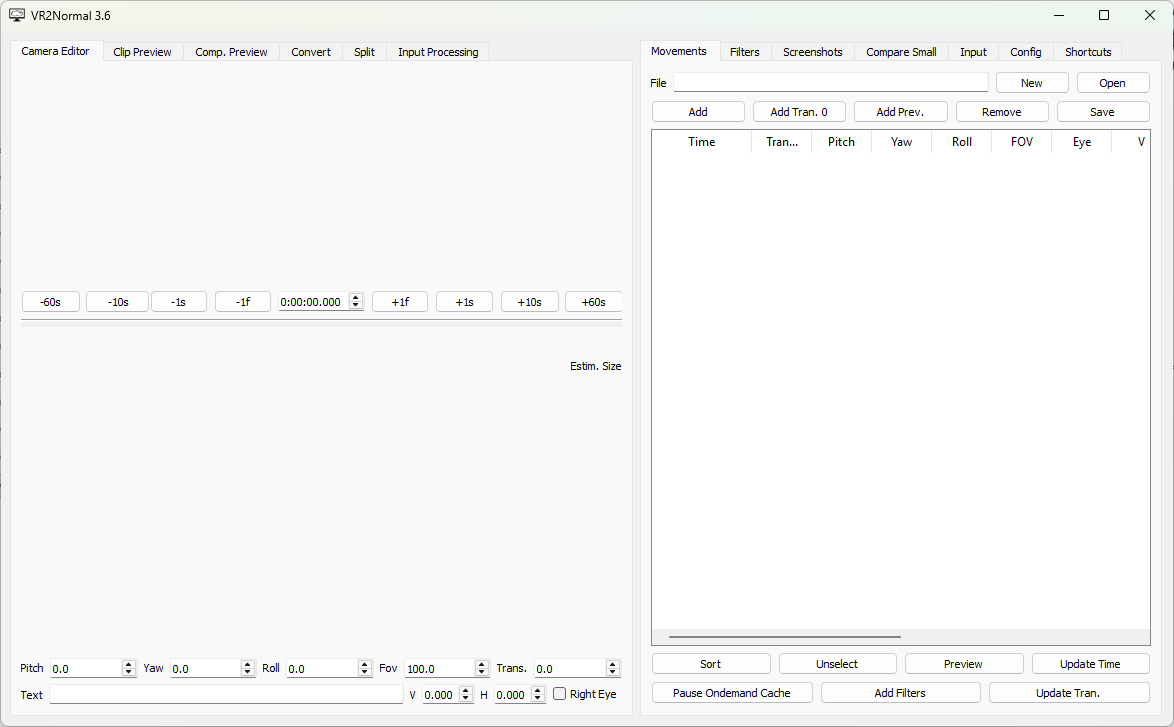
I’m talking about the text within the program. Tab titles, config labels, etc. They were very small and hard to read on my 1920x1080 resolution monitor and changing Windows scaling in Display Settings didn’t do anything. Not sure why, but now it’s fine after closing the program and opening it up again. Probably a bug on my machine. Doesn’t seem to be an issue now. Compare the pic I posted earlier to this pic. You’ll see what I’m talking about. But again, seems to have been a glitch on my end.