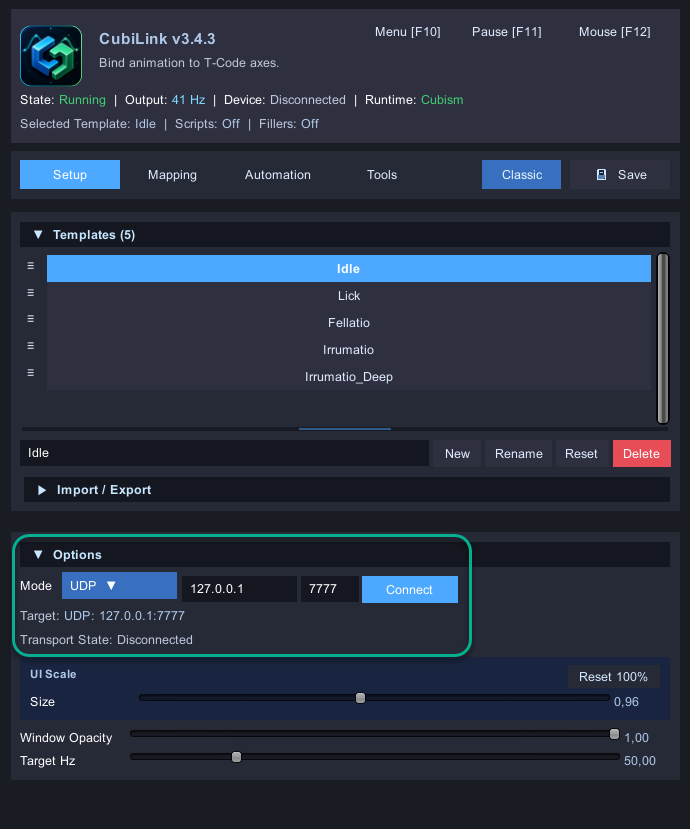
These Integrations use CubiLink Unity plugin to provide real-time Multi-Axis movements.
Should work with other devices that do not use T-Code via Intiface, but can’t say if they’ll perform well.
I added an interception for all climax scenes. If someone wants to make a custom short script for them, they can be used instead of the default animation.
Uncensor and English translation are included for all games.
Step 3. (Optional) You can further adjust the output and each axis in the Mapping.
The Hotkeys F10 and F11 can also be used to hide the plugin window or pause playback.
Full guide on how to use the plugin and also make your own integrations can be found here: CubiLink - Unity Animation to Multi-Axis (AIO Edition)
Depends on the game. If it initially has uncensored assets and just a mosaic overlay, you may be able to simply use something like SW_Decensor to get rid of it.
Otherwise if the textures have the censor backed into them, I go with Texture Replacer to use alternative assets.


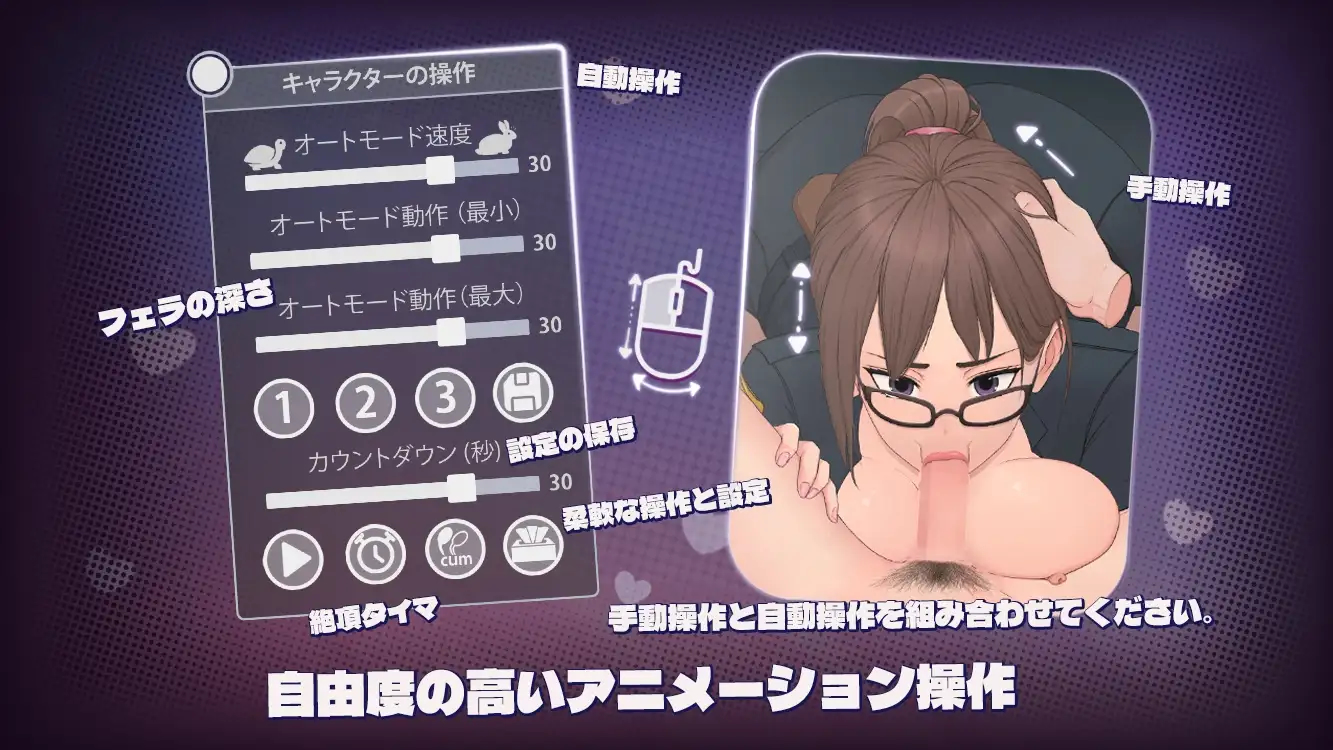
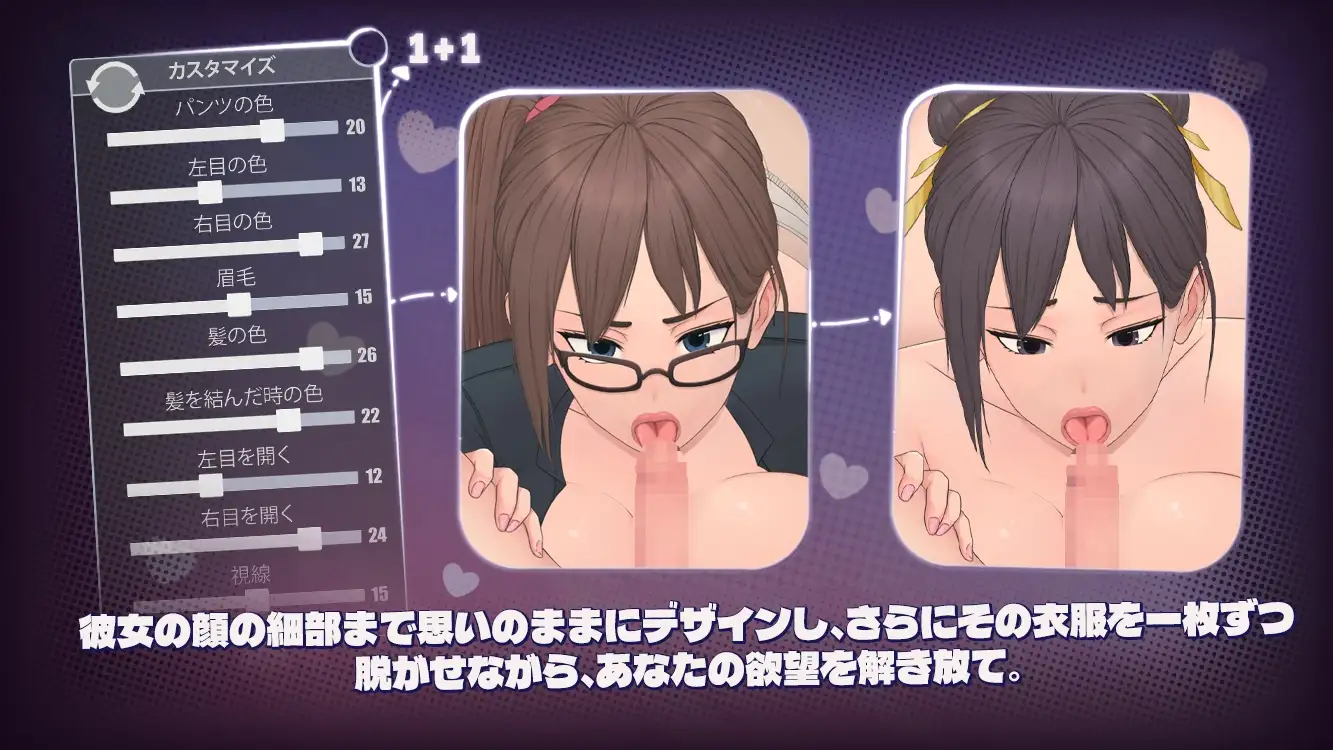


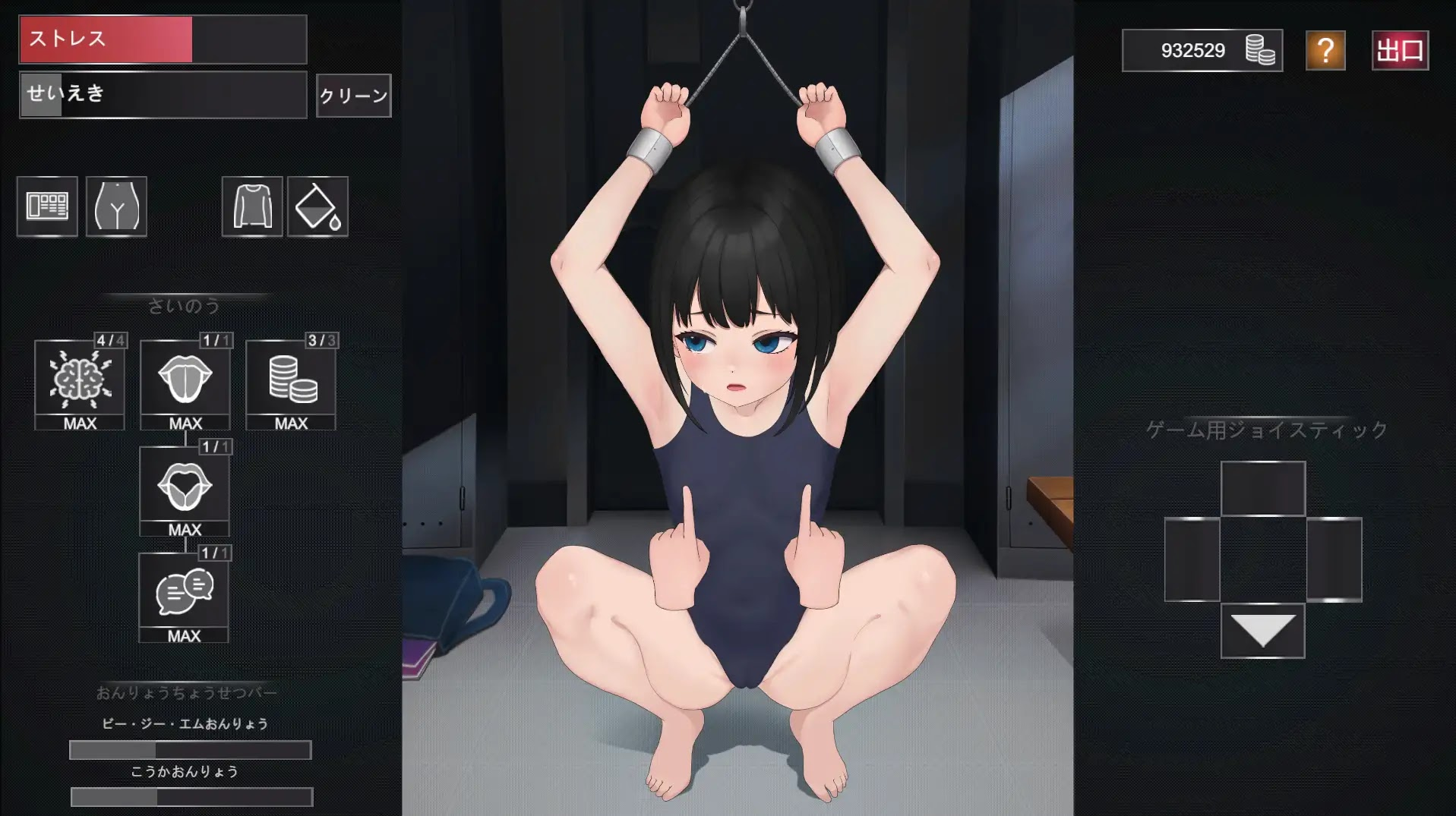







 Integration Mod
 Games
Games

