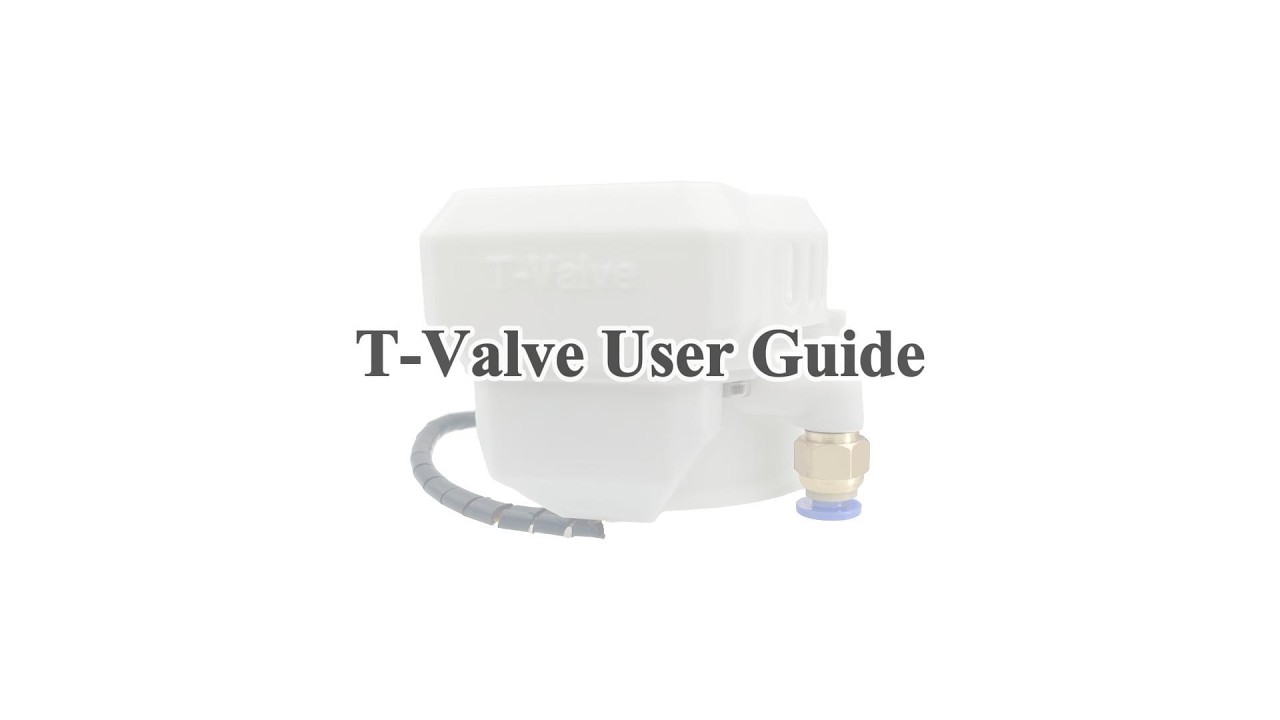
MiraPlay AiO v1.7.4 is here — T-Valve control just got a major upgrade
Hi guys,
I’ve just released MiraPlay AiO v1.7.4, focused mainly on improving T-Valve control.
Previously, T-Valve open/close behavior was driven only by Stroke-based auto movement, with no way to adjust the closing range, control it manually, or record it as a script.
With v1.7.4, T-Valve is now much more flexible.
What’s new?
1. Auto + Manual control in Gesture Sync
T-Valve now has its own Control Bar, similar to the Lube workflow.
- In Auto Mode, valve movement is still calculated from Stroke position, but now you can use the Control Bar to set the maximum closing level
- In Manual Mode, the valve is controlled entirely by the Control Bar, so you can change pressure freely or hold it at a fixed state
2. Valve action recording
When you use Motion Recording in Manual Mode, T-Valve actions are now saved as:
filename.valve.funscript
This makes valve motion reusable in playback, and also usable in other compatible script players.
3. New T-Valve options in Video Sync Player and Online Play
I also added T-Valve settings to the Script Settings screen in both Video Sync Player and Online Play.
You can now switch between:
- Auto
- Script
- None
So T-Valve can now be automatically controlled, played from a script, or disabled depending on the content.
Why this update matters
The goal of this update was to make T-Valve a much more complete part of the motion workflow — not just a simple automatic add-on.
Now it can be:
- adjusted more precisely
- controlled manually
- recorded as a script
- reused later in playback
Demo
I’ve also prepared a demo video below if you want to see how the new T-Valve workflow works in practice.