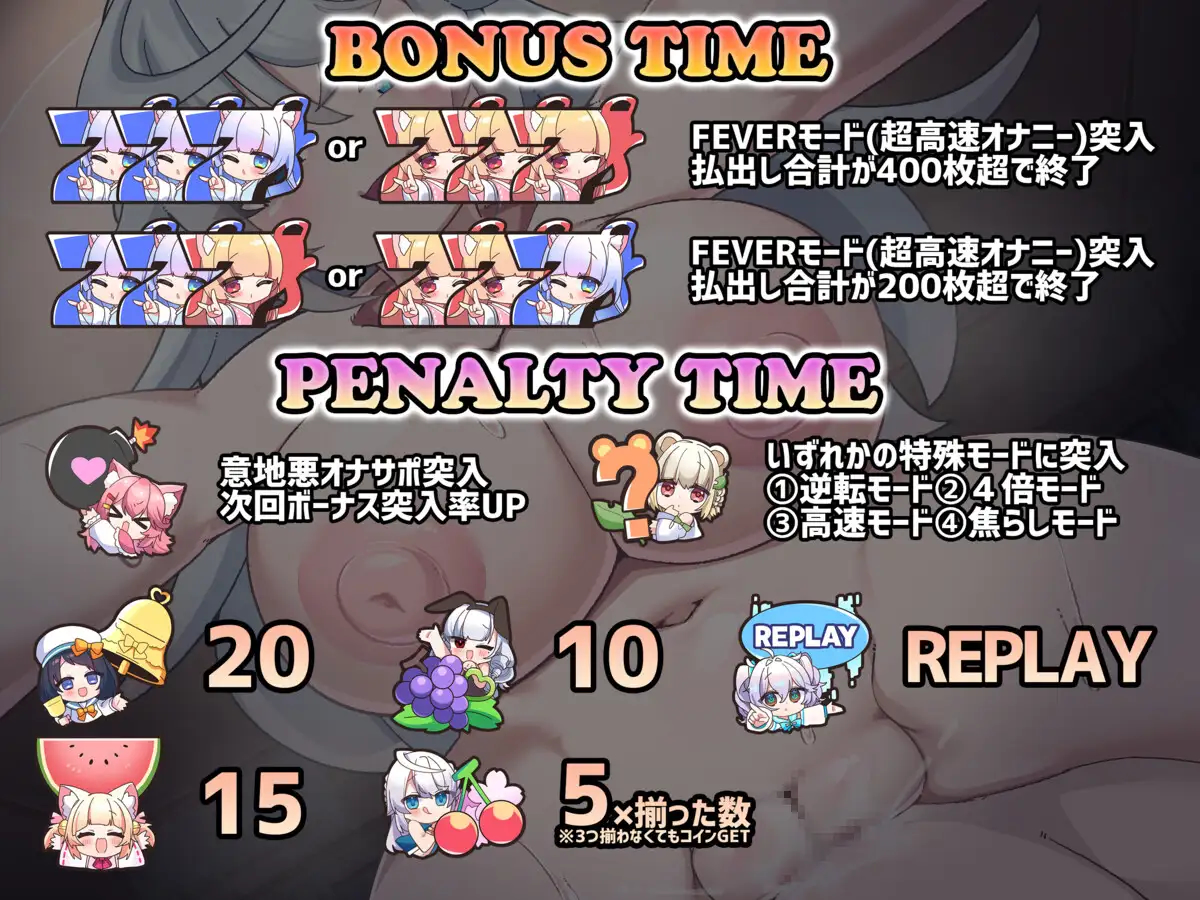
[Moko’s Fap-Hero Style ASMR] Slots with big-breasted Onee-chan (Game Integration)

Preview


About Game

Notes

  • This is a TyranoScript mod that utilizes the EDI program to support a wide range of interactive devices.
  • Tested on the Handy FW4 favicon
  • I also added a small in-game EDI status UI:
    • Green/red status indicator.
    • Click the indicator or press P to pause/resume EDI.
    • Press 1 to hide/show the overlay.

How To

  • Step 0. Get the game from DLsite or some other source: DLsite

  • Step 1. Download and extract the Mod into the game’s main directory (the file “SlotFap.tpatch ” should be next to the .exe)

  • Step 2. Open the game.
    On first startup it takes a bit to apply the patch and will show a pop-up once done.
    Recommended: Back up resources\app.asar before patching and make sure there are no special characters in the game’s directory path and you have enough free storage.

  • (Optional Step)
    You can adjust playback timing in EdiConfig.json, depending on your network and device.
    Changes here require a game restart to take effect (these are mod-specific values and are not natively included in the EDI config, so keep that in mind when manually updating the EDI program in the future).

json
"Edi": {
  "SyncOffsetMs": 200, //Delay before sending EDI Play after an animation starts
  "ResyncEveryXLoops": 2, //Re-send the current script after this many detected loops.
  "ResyncAfterSeconds": 0, //Re-send at the next detected loop after this many seconds. Use 0 to disable.
  "ResyncSeekPaddingMs": 100, //Tune positive/negative values if resync feels late/early (playback 'stutter').
  "PauseOnFocusLoss": false //Pause EDI when the game loses focus.
}
  • Step 3. Launch “Edi.exe” and connect your device(s). You can connect the Handy directly over Wi-Fi via the key, or also use the Intiface Bluetooth connection for it, as well as other devices.

  • Step 4. Once EDI is ready, it will launch the game automatically.

  • Step 5. Try not to gamble all your vitality away


Download Links

ModChipPixelIconClean Integration Mod

HeartPixelIcon Game

Credits


A big thanks to @hehd for scripting the game:


If u like, pls support me on Patreon
Patreon Banner


Changelog

  • 04.06.2026 - v1.0 Initial release


42 Likes

Well done bro, thank you so much for taking on this commission, I’m sure it will be very popular!

2 Likes

Bro, you’re a superhero​:saluting_face:

1 Like

Just tried it out and the game doesn’t launch after patching. Is there a specific version this wants?

Did it finish patching / show you this message? It can take a few minutes to patch on first launch.


Do you also have your full \resources\app.asar file (~3.9GB)?
Maybe try moving the game files to a simple folder path with no special characters.

I can see launched:exe message in connected edi, but it really not launched.

My ASAR (not english patched) has hash:

065df063830dd984584b2653787e98b4c4404b74e3b7398f801c01d4a0a33b64, size of 3.9 GB

After patching, with the success message, it drops to 1 KB with hash:

daf0b84ce274cb8dc423dc5e2a57a799d2c12c1d4793051716333beaade07982

Hashes are SHA256

That 1 KB app.asar usually means Tyrano’s auto-patcher failed while rebuilding the archive.
Try moving the game to a very simple path first, for example your desktop or C:\Games\SlotFap\, to avoid any special characters.

Does SlotFap.exe launch normally if you start it from the game folder? Otherwise it might also be an issue with applying the patch or the copy of the game itself.

A full english folder seems to have fixed it. ASAR successfully patched and running.

1 Like

Speaking of English:

Have some Google translated images for the game.

After the integration mod finishes patching, drop this tpatch into the game folder, and let it patch the game again. (this tpatch does NOT contain the integration mod)


4 Likes

The English patch link is returning 404, could you re-up please?

Thanks :)

It’s still up. Every now and then pixeldrain seems to glitch out and will just start showing random links as not there unless you’re logged in.

So log into pixeldrain (account is free if you don’t have one), and it should show up.

You could also try this pixeldrain premium bypass site: https://pixeldrain-bypass.gamedrive.org/
Which should also allow you to download.
This is the same site as https://pixeldrain-bypass.cybar.xyz/ but they changed their URL.

1 Like

thanks for the advice. I had this at z:/downloads/blahblah/slot game/ and it wouldn’t work after multiple tries (1 kb app.asar). Moved it to z:/slot game/ and it worked. As stated, make sure to backup before attempting so if it fails you can try again.

1 Like

am i the only one who had the issue of the toy not going all the way to the base

Can’t figure out for the life of me why I keep getting this same error. My directories are all in English. My EDI is brand new and works with other games.

Not really sure why it’s in Spanish, either.

Looks like the error is EDI trying to auto-launch the game, but can’t find SlotFap.exe.

Check your EdiConfig.json:

"ExecuteOnReady": ".\\SlotFap.exe"

Make sure the exe in your game folder is actually named SlotFap.exe

You can also use an absolute path as a test, like:

"ExecuteOnReady": "C:\\Games\\SlotFap\\SlotFap.exe"

Or just set it to null and launch the game manually.

1 Like

Just setting it to null and launching it manual was what got it to work, thanks!

Setting it to an absolute path just made EDI crash outright, weirdly enough?

Great.
It seems EDI prefers forward slashes for absolute paths, e.g.

"ExecuteOnReady": "C:/Games/SlotFap/SlotFap.exe"

Great job, script works like a charm. I just wish there were subtitles for this one.

3 Likes

I didn’t know that, thanks for the clarification. :)