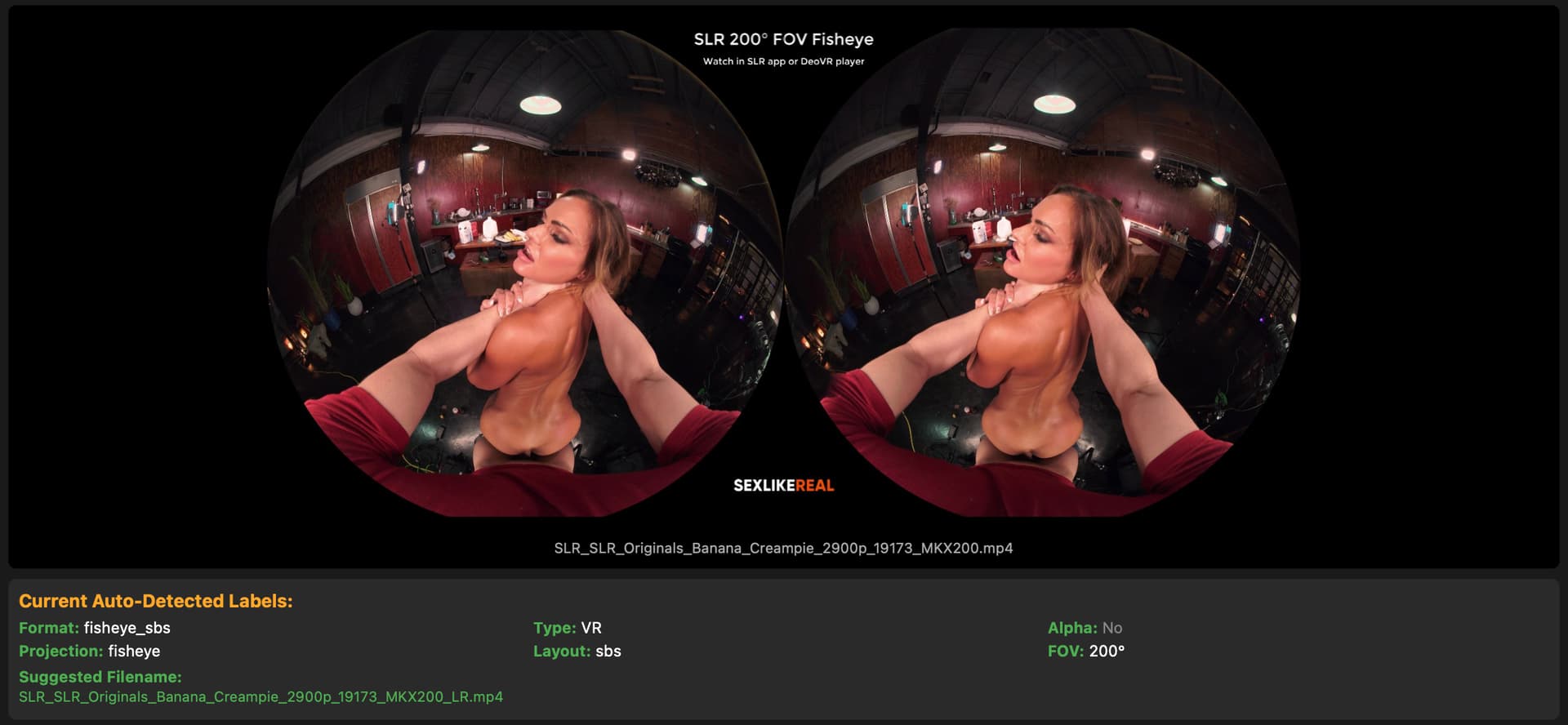
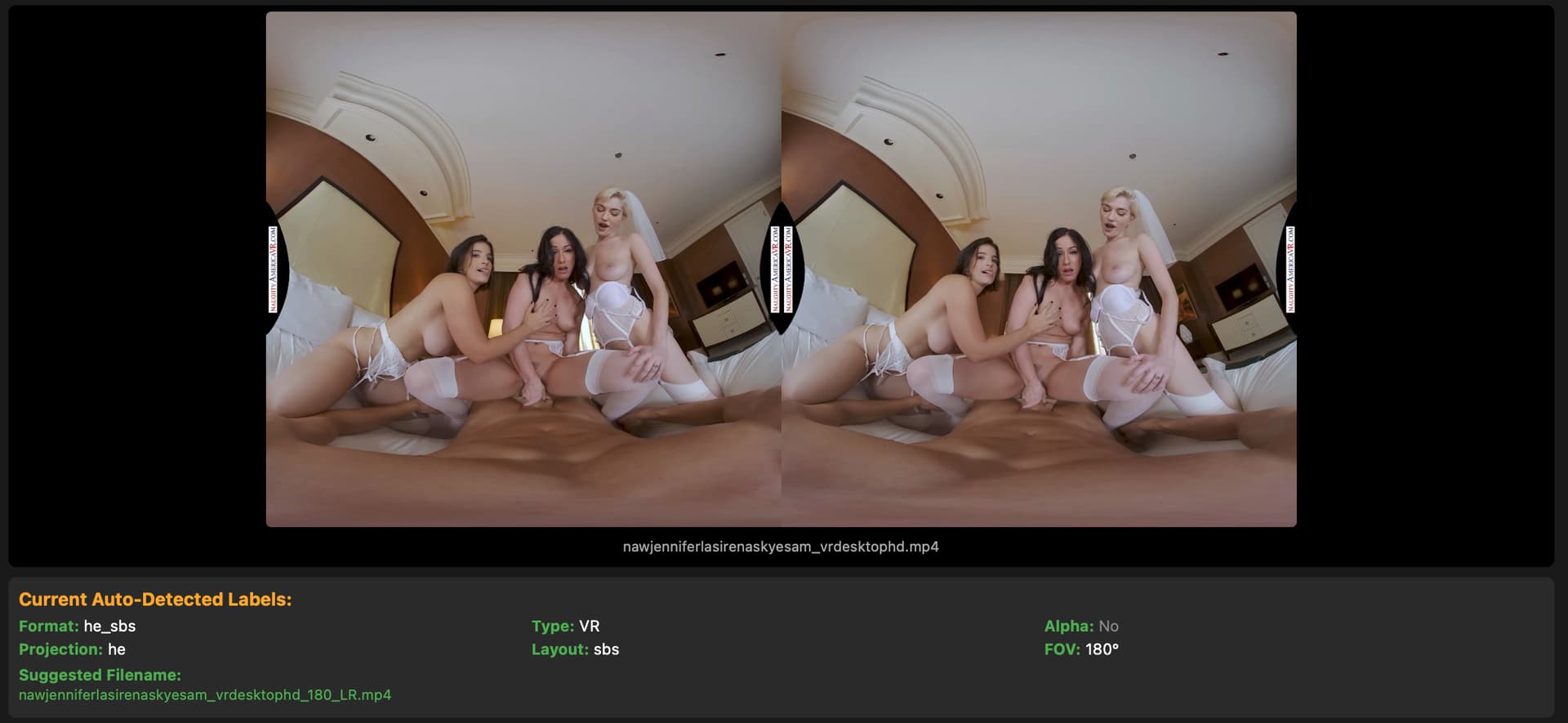
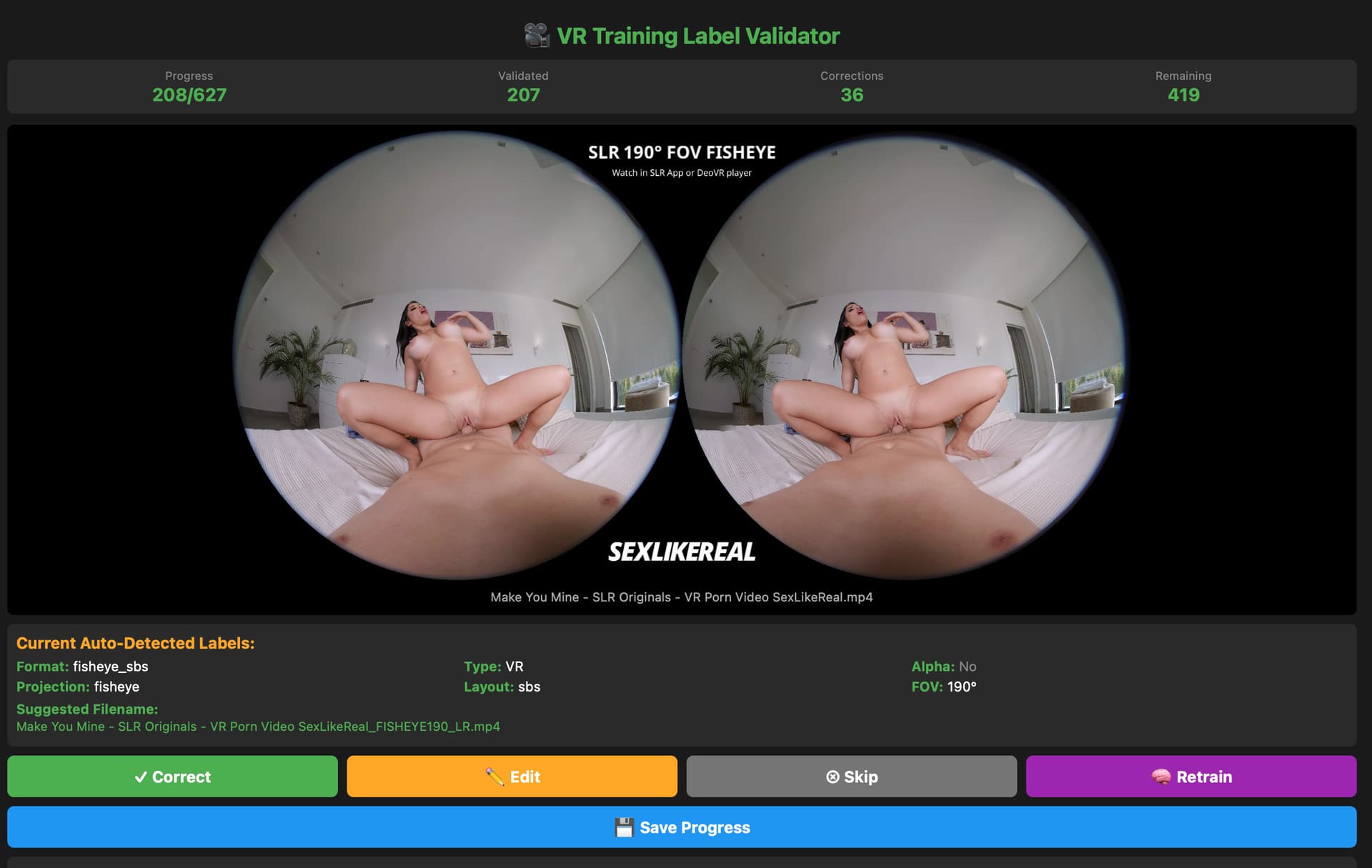
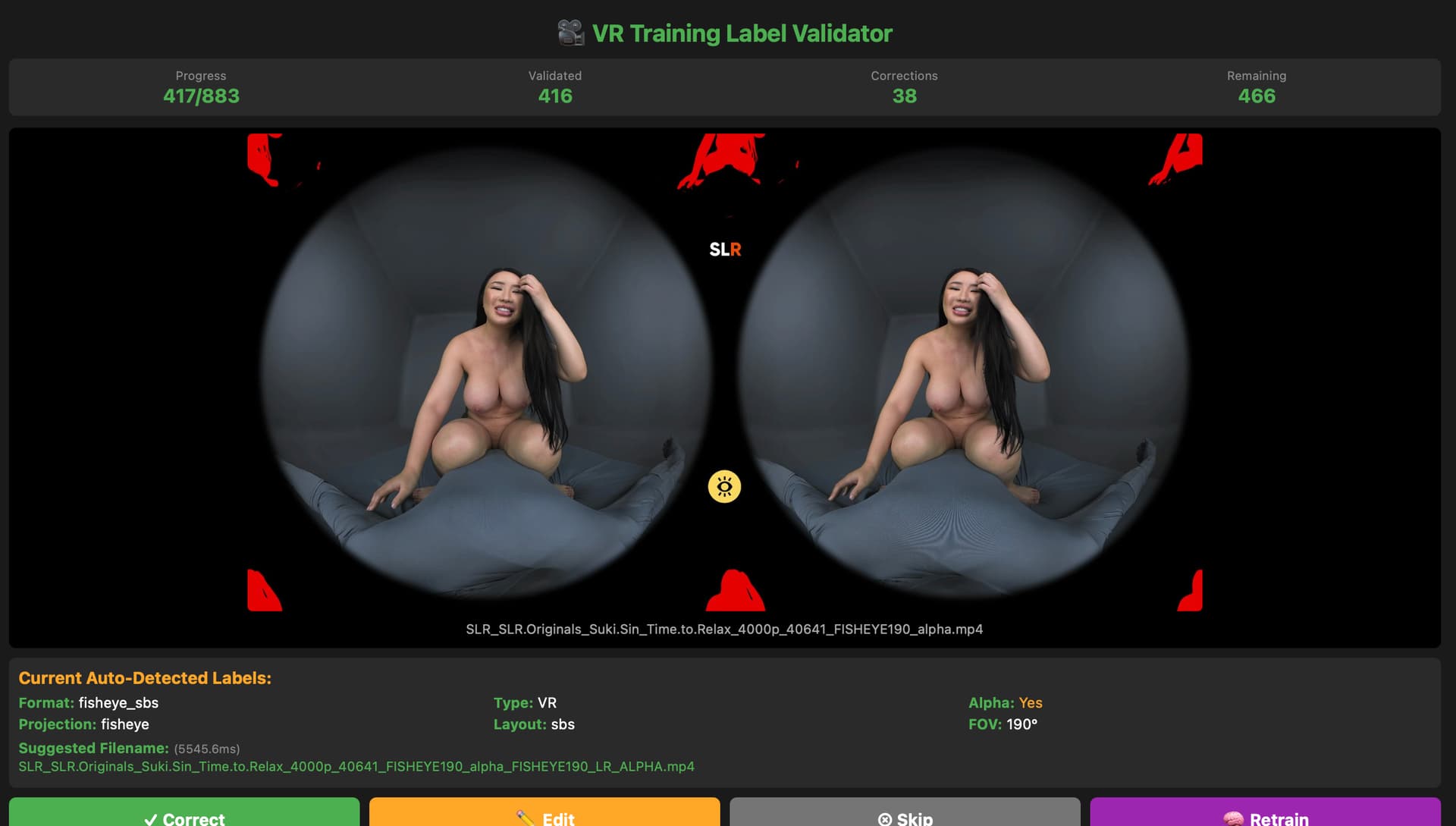
HereSphere will look for specific file name suffixes to set the projection settings when opening a new video. Each suffix needs to start with an underscore, hyphen, or space. If no file name suffixes are found, HereSphere will fallback to autodetecting the correct projection settings.
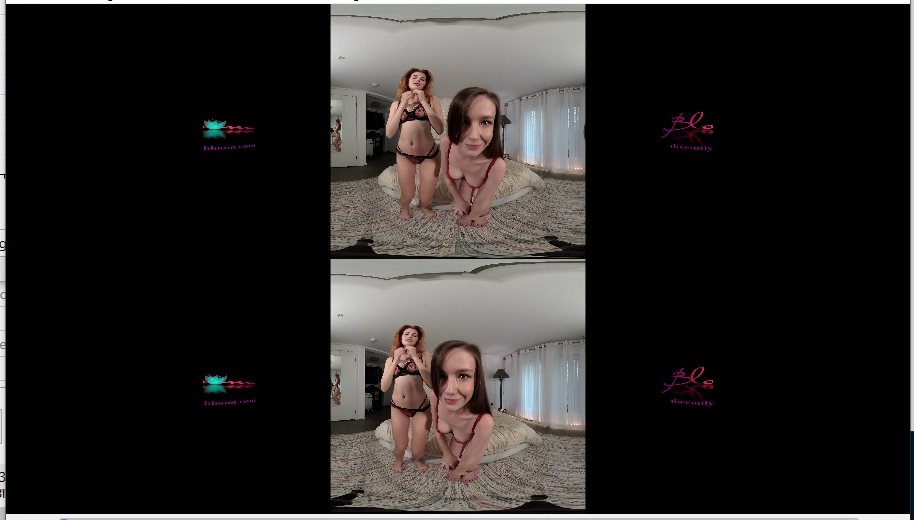
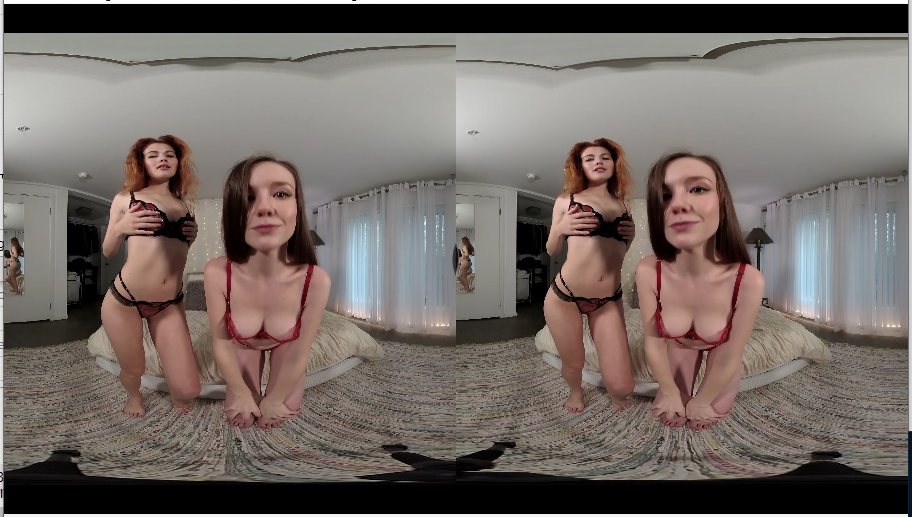
3D Stereoscopic: “_LR” (left-right), “_RL” (right-left), “_3D” (left-right), “_TB” (top-bottom), “_BT” (bottom-top), “_3DV” (top-bottom), “_2D” (mono)
Equirectangular 180 FOV: “_180”
Equirectangular 360 FOV: “_360”
Fisheye 180 FOV Linear Lens SBS: “_F180” or “_180F”
Fisheye 190 FOV Linear Lens SBS: “_FISHEYE190” or “_RF52”
Fisheye 200 FOV iZugar MKX200 Lens SBS: “_MKX200”
Fisheye 220 FOV iZugar MKX22 Lens SBS: “_MKX22”
Fisheye 220 FOV VRCA220 Lens SBS: “_VRCA220”
Equiangular Cubemap: “_EAC360” or “_360EAC”
If “_180” or “_360” is found, but no stereoscopic suffixes are found, then the player will set the stereoscopic mode to mono. If a stereoscopic suffix is found, but no equirectangular, fisheye, or equiangular cubemap suffix isn’t found, then the player will set the projection type to perspective (flat screen). You can add “F” to the end of a 3D stereoscopic label (such as _LRF) to specify the video uses two full aspect ratio frames, so the player won’t stretch the aspect ratio of the 3D video.
Does it even make sense to set thethem filenames? Hesphere saves the settings anyway.
How do you set them, meaning how do you find out the right type? Testing them in Heresphere and renaming one by one?
Any app that detects the type and will rename the files to the right VR type? Preferably the script also if available?
Must they be somewhere in the filename or at the end?
I’ve name almost every VR file with “8K 180_3dh” at the end. No need to figuring out what it shall be. If it doesn’t work for a video I just change it (and that is very rare). The original file name will usually contain the necessary info anyways.
There are exceptions. SLR use MKX200 and FISHEYE190 and they print it on the unused black space so there shouldn’t be any confusion about when to name it differently. Really old VR videos can be top bottom instead of left right / side by side. Top bottom videos are usually 360 degrees, but those are very rare today.
The downside with renaming videos is if you use tools like XBVR. You have to manually match your files with the file information found by the scraper due to the name change.
So doesnt make sense to rename the files for Heresphere . Its really just naming those fisheyes and weird aspect ratios? There is no tool that finds out the VR properties, lists and maybe even renames, is there?
In Fungen, the following heuristic is used to suggest a format to the user :
FunGen checks the uppercase video path for these keywords:
‘VR’, ‘_180’, ‘_360’, ‘SBS’, ‘TB’, ‘FISHEYE’, ‘EQUIRECTANGULAR’, 'LR’, ‘Oculus’, ‘_3DH’, ‘MKX200’
If any keyword is found, the video is considered VR. Format Refinement (for VR videos):
Fisheye base: ‘FISHEYE’, ‘MKX’, ‘RF52’ → sets base to ‘fisheye’ (default: ‘he’)
I mean more like detector that takes a screenshot and tries to guess if its fisheue or equi, AI or smth like that
Maybe you’ve heard about one or seen someone use such
Thanks for info anyways
You should not invent your own Koogar. I think its used by players to display correctly without the user having to try the aspects. Maybe ask @HereSphere ?
When importing a file into xbvr - the VR porn library manager - having the filename tags included will trigger xbvr to save the correct projection settings. xbvr also passes this along to HereSphere, so the video is played with the right settings by default.
Note that another flag is _ALPHA, which indicates an alpha channel passthrough video.
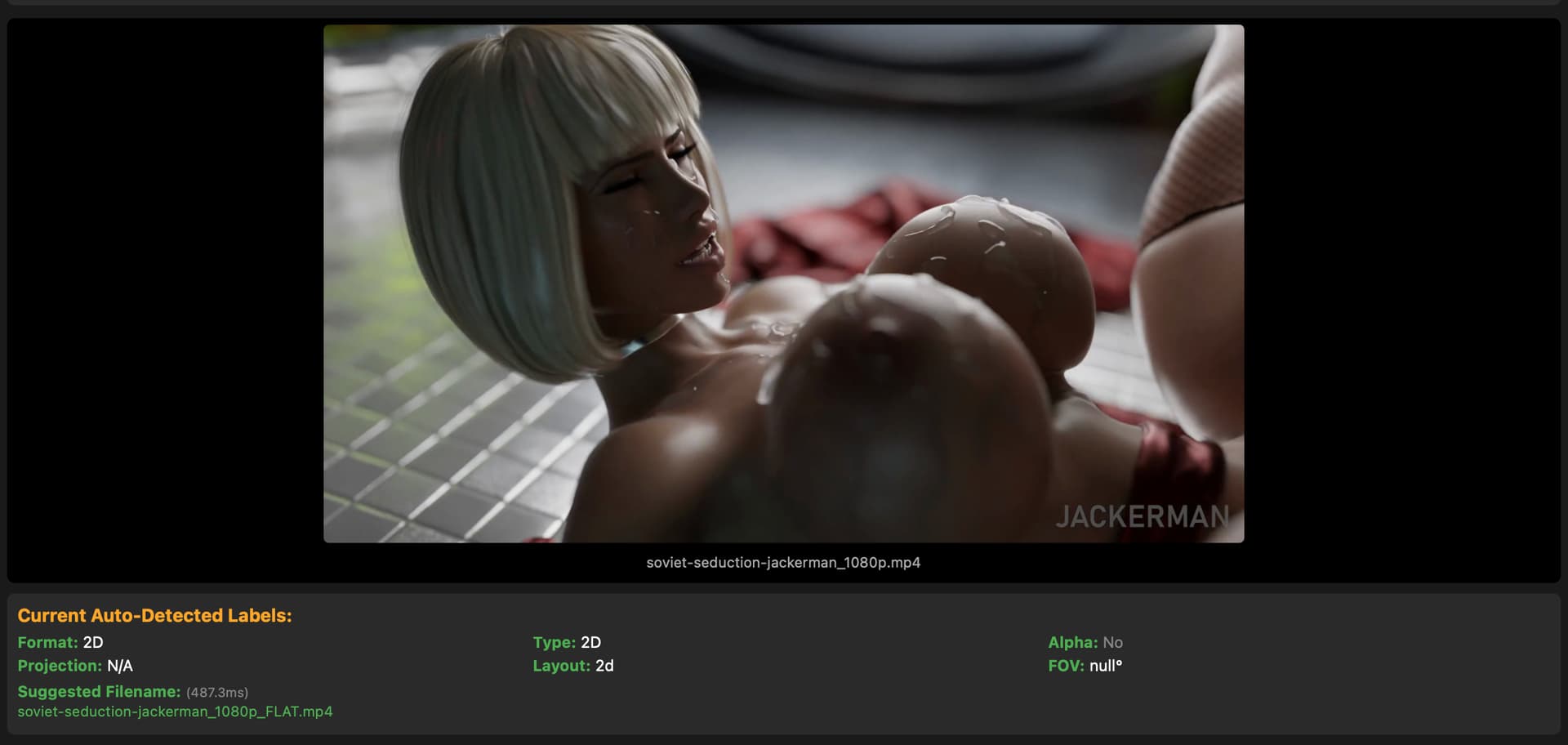
Finally a flag I find useful - _FLAT, which tells applications to playback the file as a standard flat 2D video.
ML-based tool that automatically detects VR video formats and renames files with proper format tags. Thought this might be useful for organizing VR collections and video readers like Heresphere.
What it does:
Auto-detects projection type (fisheye, equirectangular)
@HereSphere can you please review the above VR Video Format Detector & Renamer Tool and its compatibility with @HereSphere (which will likely be its main target) ?
Also please tell if there are some other stuff like video metadata that there is sence to edit
Not sure if it helps or is even worth mention, just an observation.
While I’ve stacked a top bottom VR video to sbs - don’t ask, sometimes I do things just because, or for learning, testing, to be able to do so, whatever - actually the initial idea here was it could be easier to handle for some users, not sure if it really is.
Maybe - just guessing - the result is not what such players usually expect (aspect ratio) - top- and bottom parts were cropped before merging.
Anyway, to make Heresphere and DeoVR both play it correctly without going for settings it was:
_LRF_SBS_180
That added as suffix did it, without SBS I think it was Deo which didn’t played it correctly.
If you use xbvr to organize your porn it is advantageous to have the files correctly named before importing. xbvr will detect the filename tags and set the projection information for the file. This gets passed to HereSphere, so typically no manual adjustments are needed in the player.
 Got ya